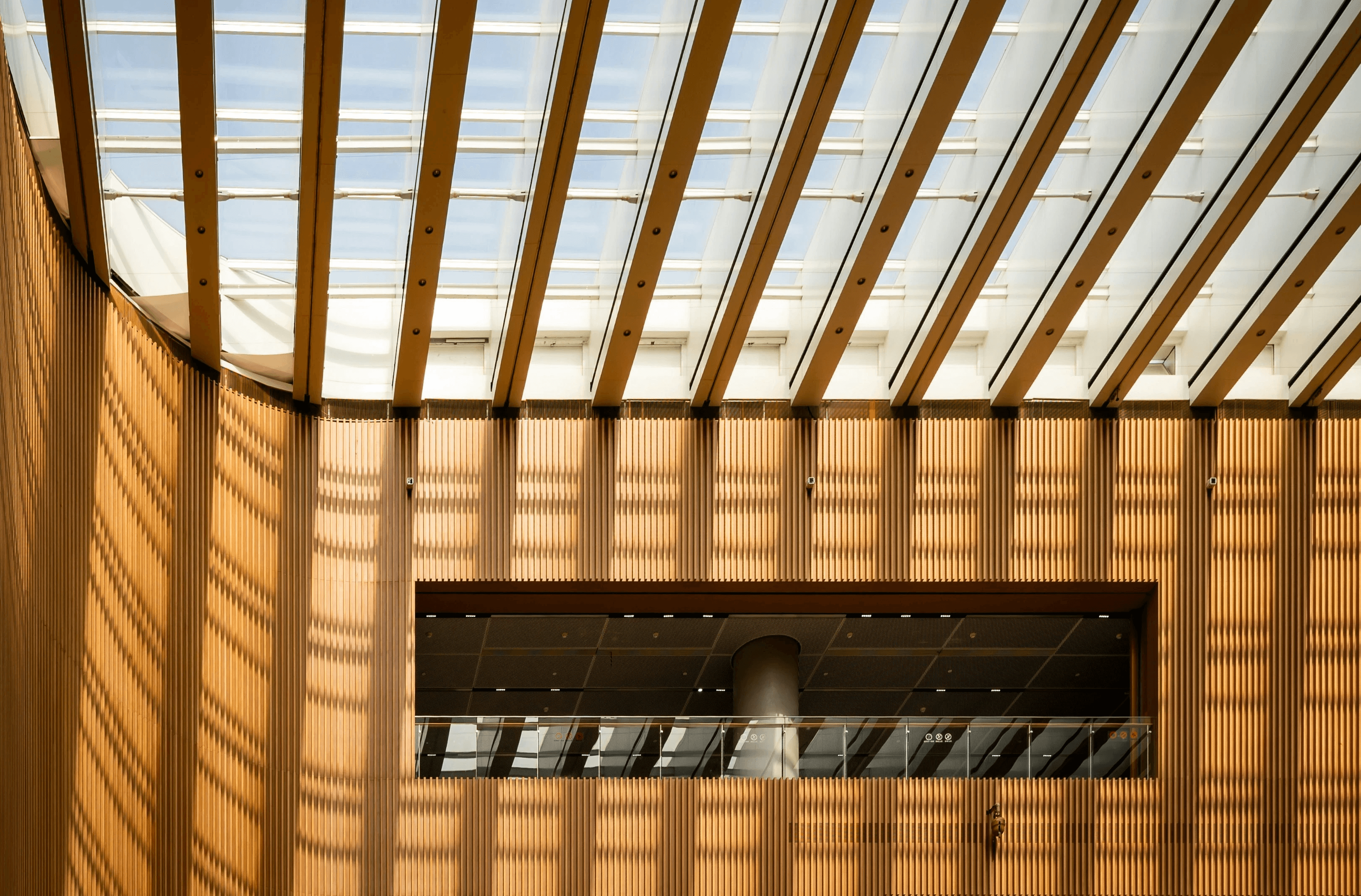

Natural light isn’t just aesthetic — it shapes how spaces feel, function, and evolve over time.
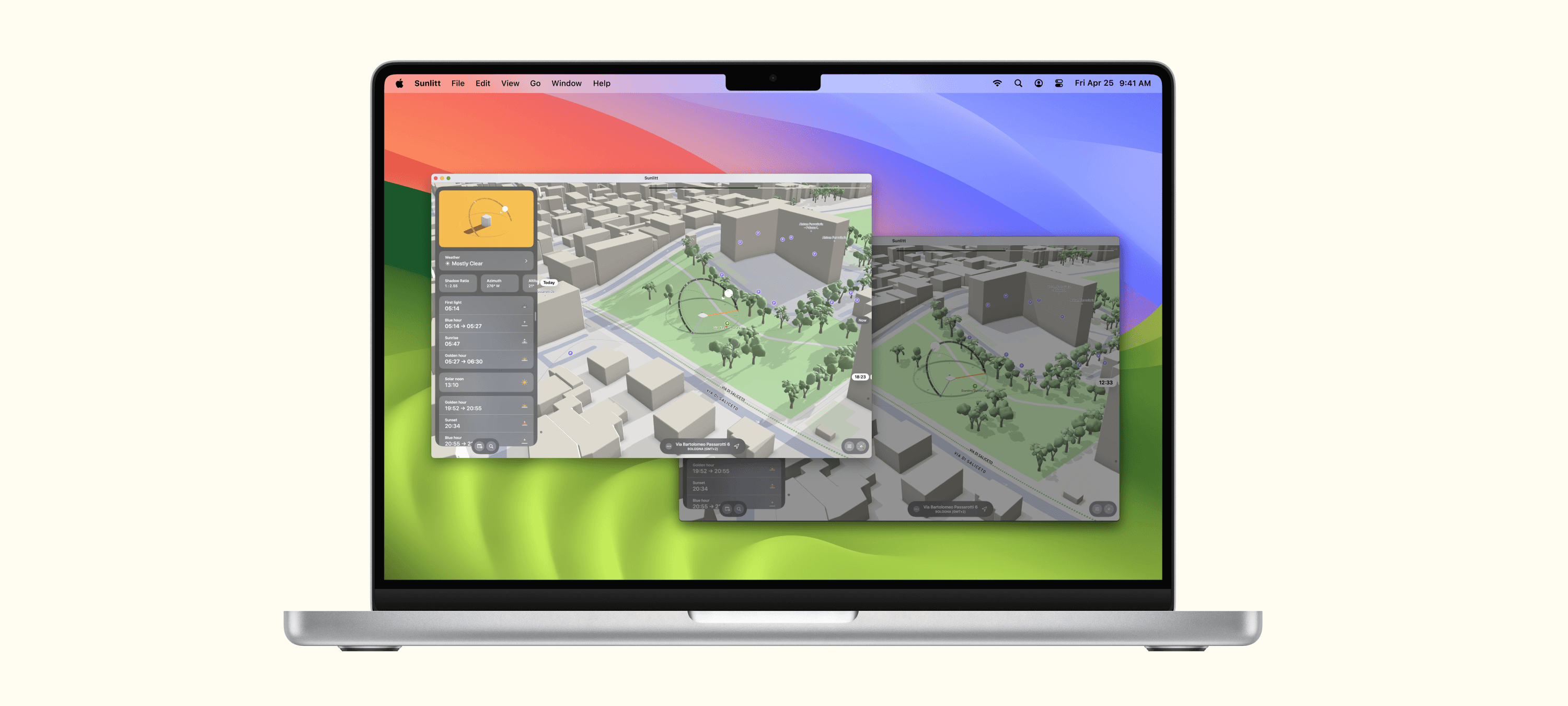
From orientation to shading, solar exposure is at the core of thoughtful architecture. Sunlitt helps you anticipate light, plan around it, and design with it from the earliest sketches to the final presentation.
Whether you’re mapping out a single-family home or developing an urban block, understanding solar behavior early on leads to better decisions later. Sunlitt brings those insights right into your process.
Every project is different, but sunlight is always a variable.
Whether you’re designing for comfort, sustainability, or regulation, Sunlitt gives you tools to understand how light interacts with your design — not just on paper, but on-site.
Let’s walk through how Sunlitt works for architects and studios, and where it can make a difference.
Planning
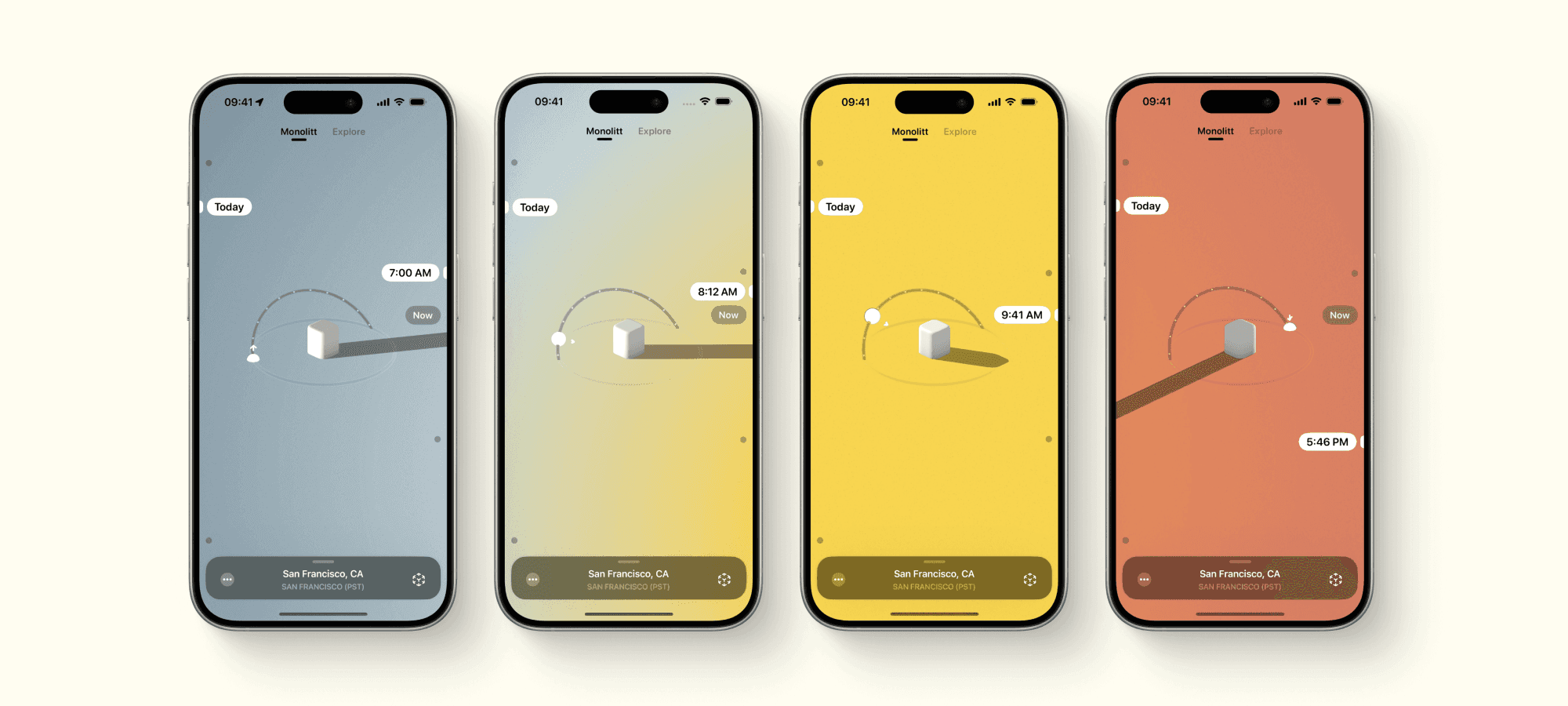
Understand sun angles early
Plan orientation, shading, and openings
Check daylight access by season
Support climate-conscious design decisions
Workflow
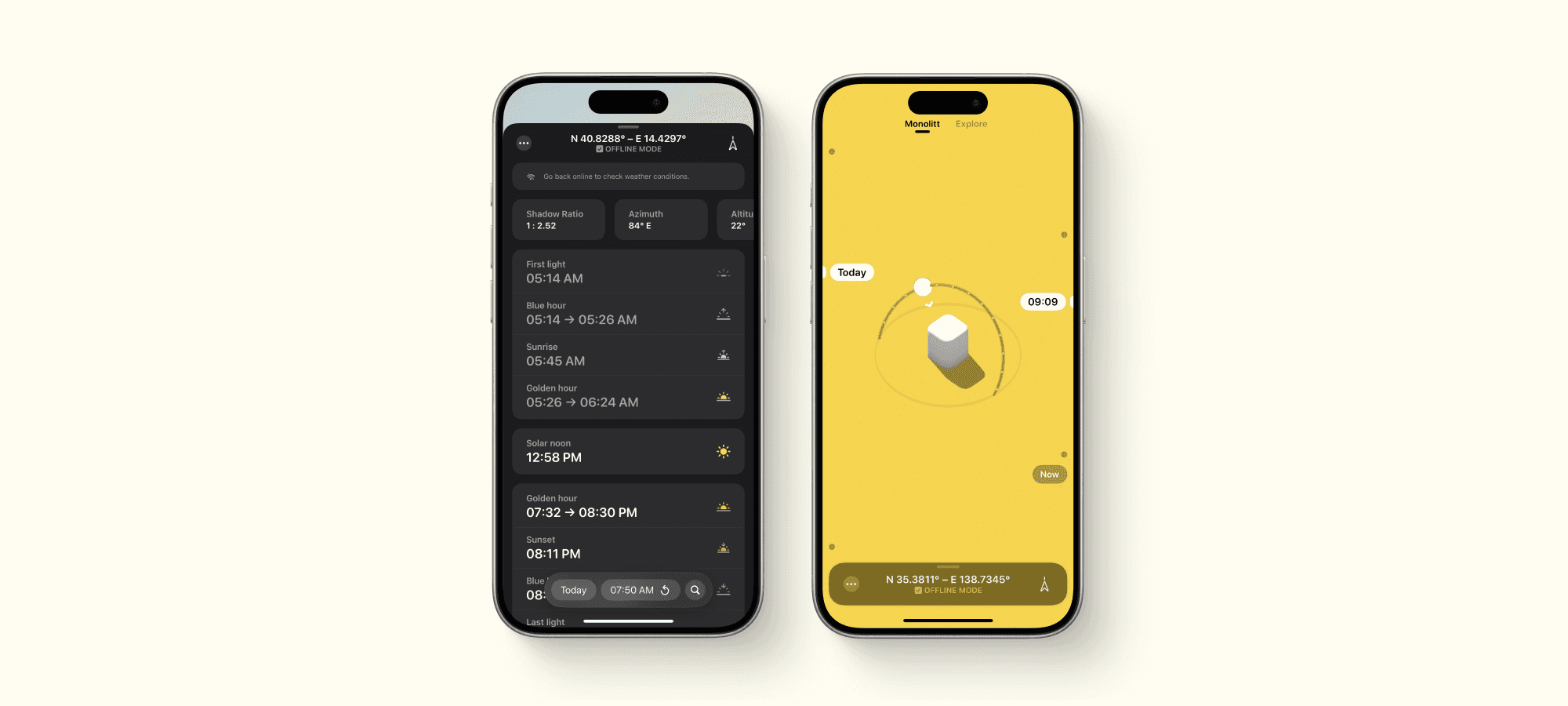
Augmented Reality for quick site checks
Preview any location remotely
Share visuals with clients and teams
Speed up early design decisions

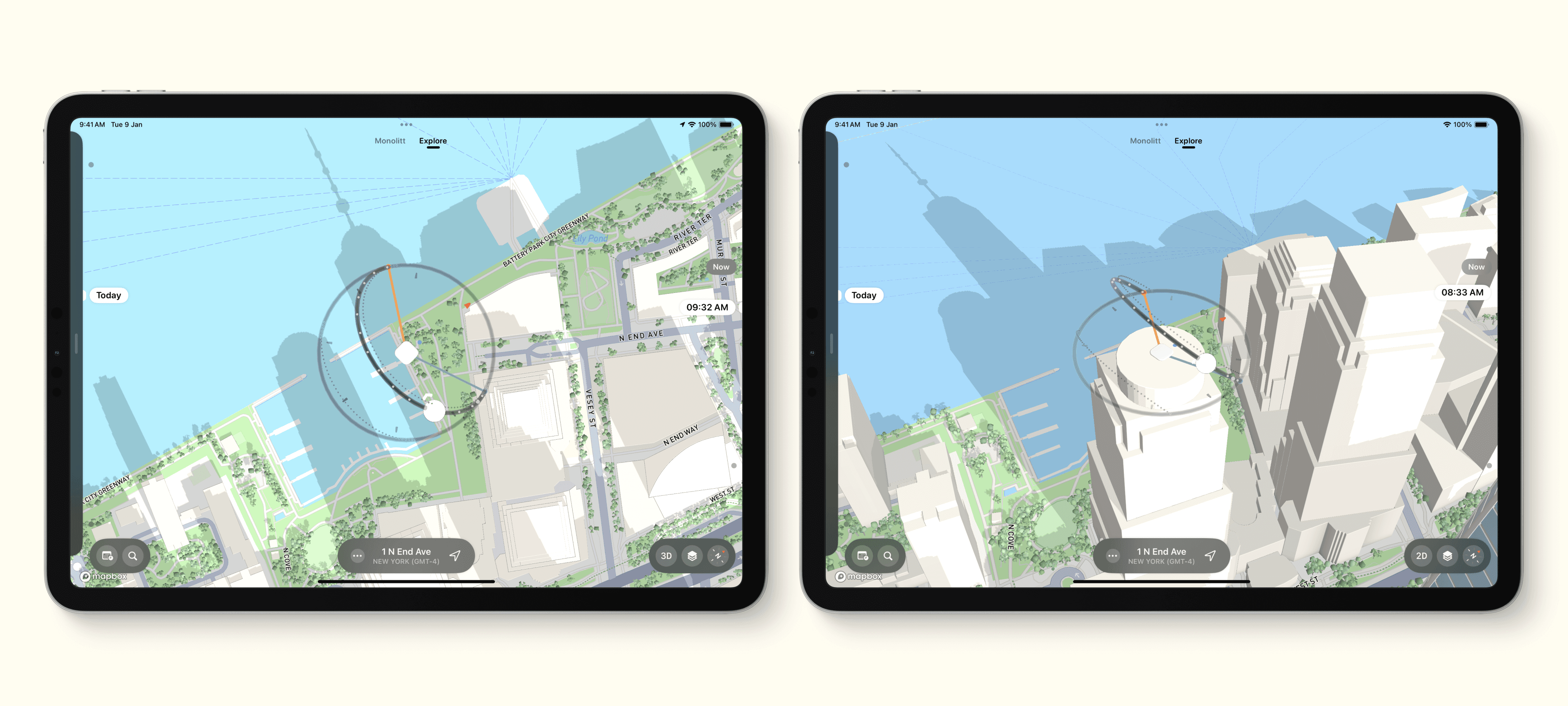

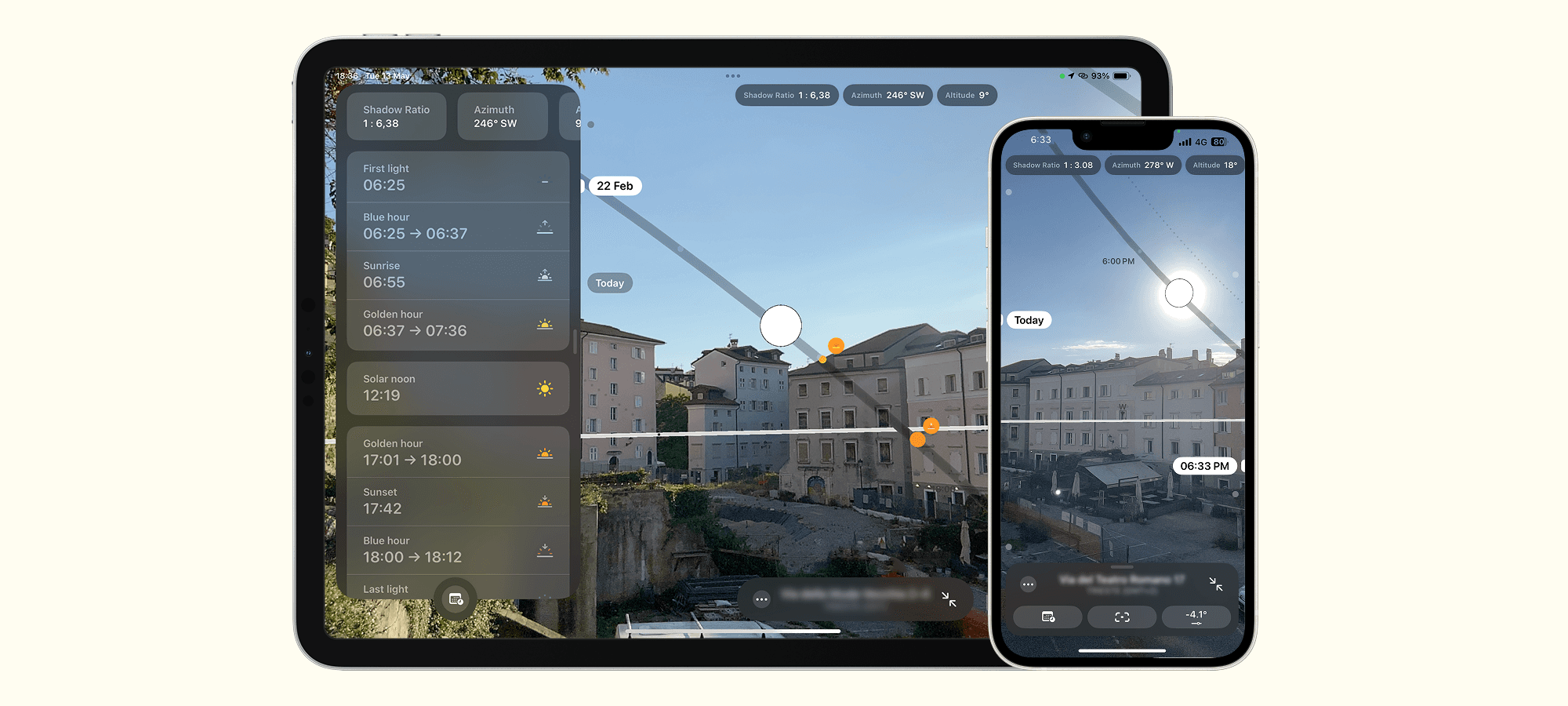

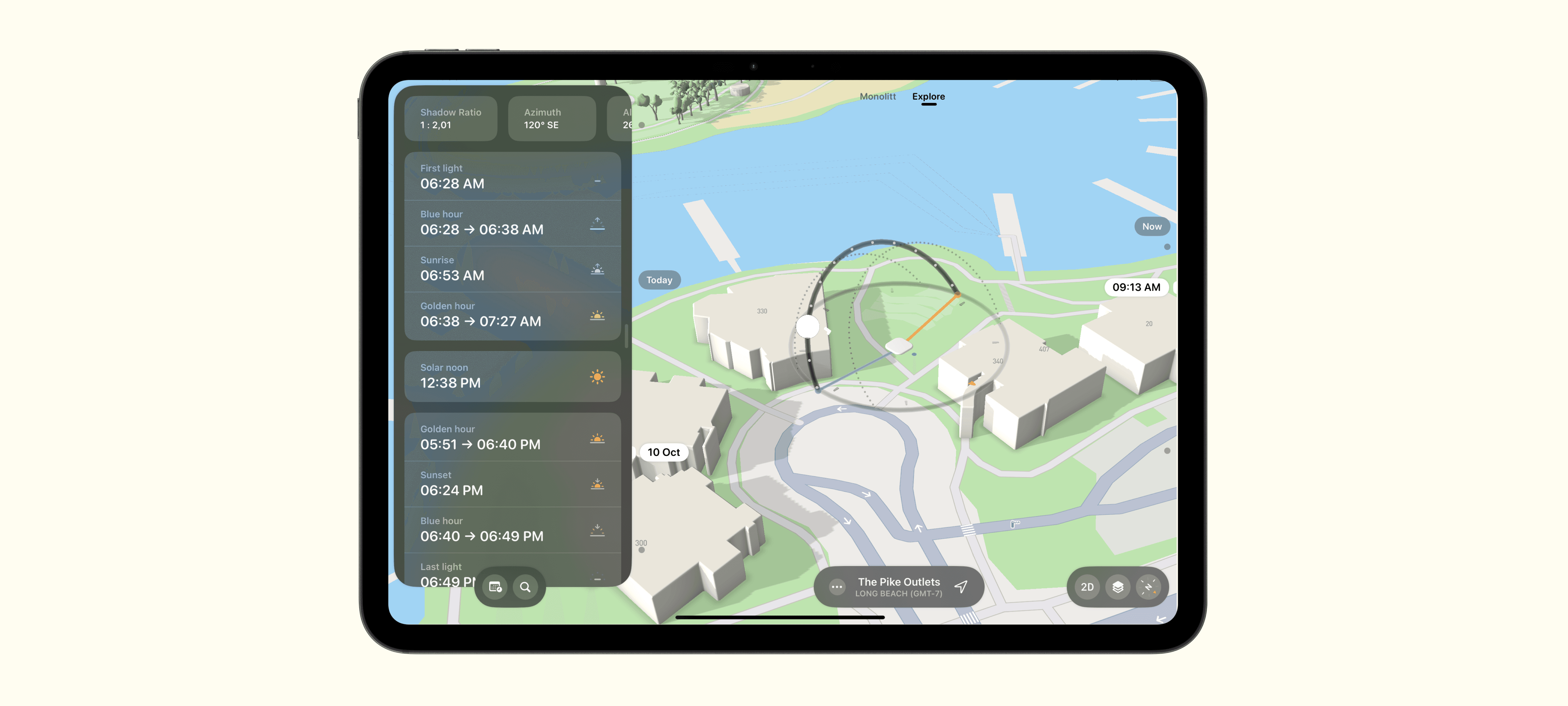



Trusted by Design Professionals worldwide.
Sunlitt is already part of the workflow for thousands of architecture professionals: from solo practitioners to large firms. Whether it's designing passive strategies, meeting daylighting targets, or understanding how a site evolves through the year, Sunlitt helps architects make informed and climate-aware decisions.
Here’s what some of them say:
A new default tool
Laura R.
We started using Sunlitt during early concept phases, and it quickly became part of our workflow. It helps us align on solar exposure, test ideas on the spot, and share quick visuals with clients or consultants. It’s clear, fast, and easy for the whole team to use.
Architecture Studio
AR makes it click
Dylan T.
I use Sunlitt on nearly every project to cross-check how the facade will be hit by sun across seasons. Especially during client presentations, it helps back up our decisions visually. Honestly, the AR feature saves me from having to explain a diagram no one wants to read.
Architect
Great for teaching
Nadia f.
I bring it to site visits with students. There’s always that moment when they realize how much the sun changes the space and Sunlitt makes it visible. It’s a great teaching tool, but I also use it on my own projects to double-check assumptions.
University Lecturer
Team-friendly and clear
Omar L.
I use it constantly when reviewing site proposals or running feasibility checks. Being able to test orientation and sunlight within minutes saves time, especially when you’re juggling multiple sites.
Architect

Built for creatives. Highlighted by Apple.
Sunlitt wasn’t just made with creatives in mind — it’s been recognized for it.
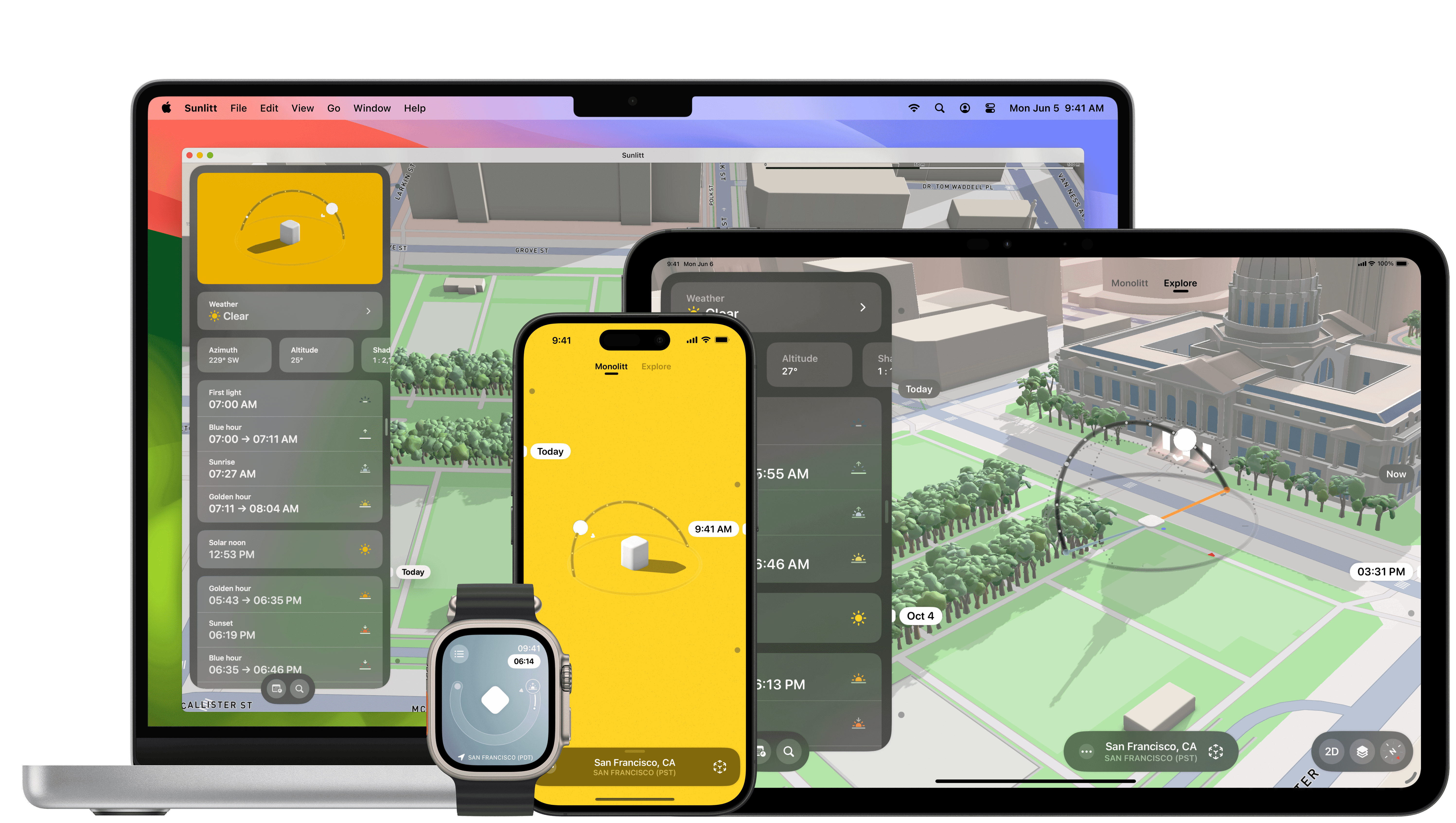
In 2024, Sunlitt was a finalist for the Apple Design Awards, spotlighted for its clear, seamless design across iPhone, iPad, Mac, Apple Watch, and Vision Pro.
It’s also been featured in App Store collections like “Apps We Love” and “Helpful Tools”, and was named App of the Day in over 170 countries.
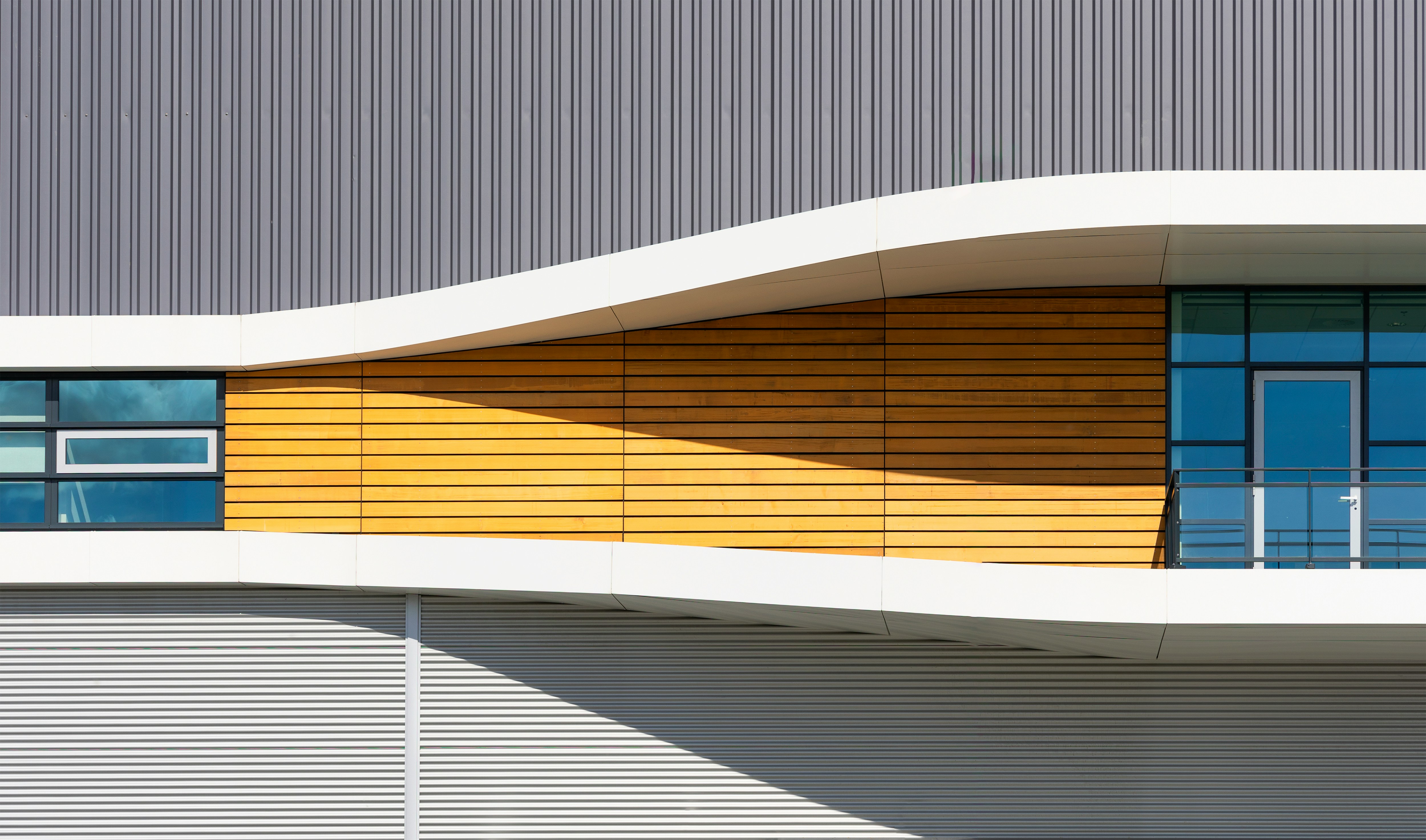
Discover what’s possible with Sunlitt
People all over the world use Sunlitt in creative — and unexpected — ways.
From photographers and cinematographers planning shoots with precision, to casual picnickers looking for the perfect sunny spot, Sunlitt is being used in ways we didn’t even imagine.
Explore some of the most common and surprising ways people are using Sunlitt to work with light: