Track the moon, plan every lunar moment
Apple Design Award–winning Moon tracker app with Moon phases, Lunar Calendar, AR Moon Finder and Solar & Lunar Eclipse tools.

Everything you need to track the Moon
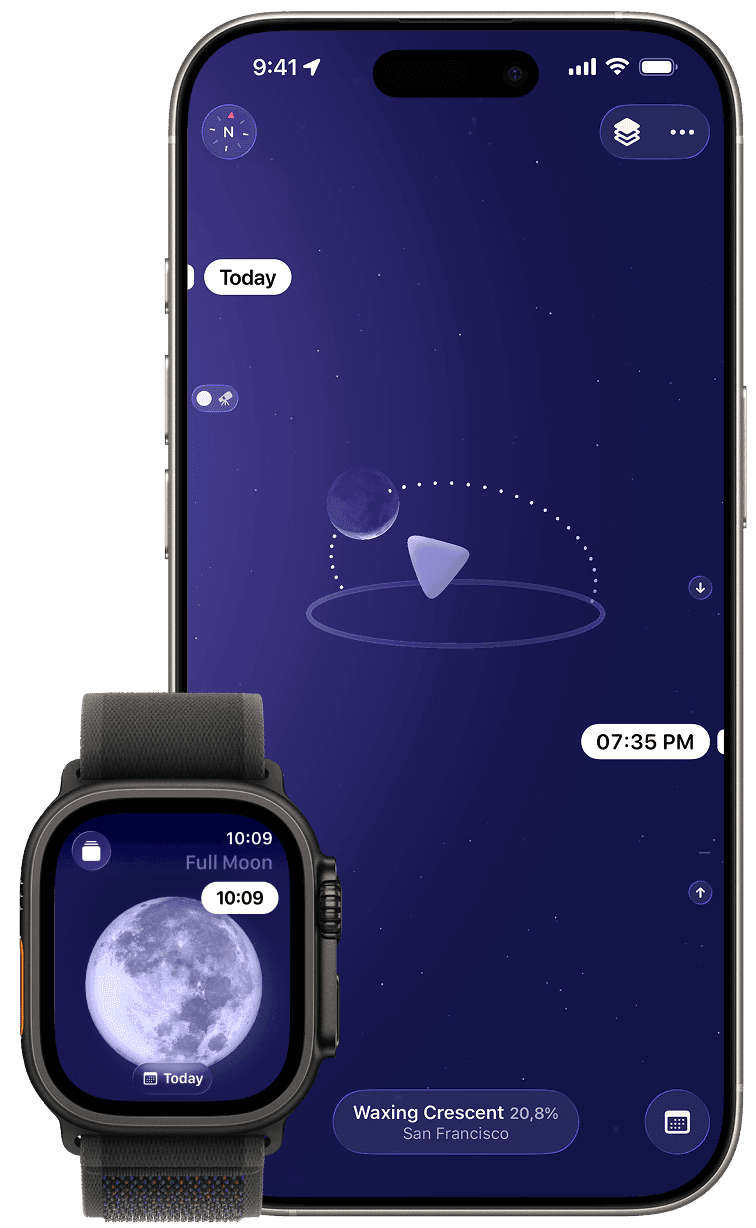
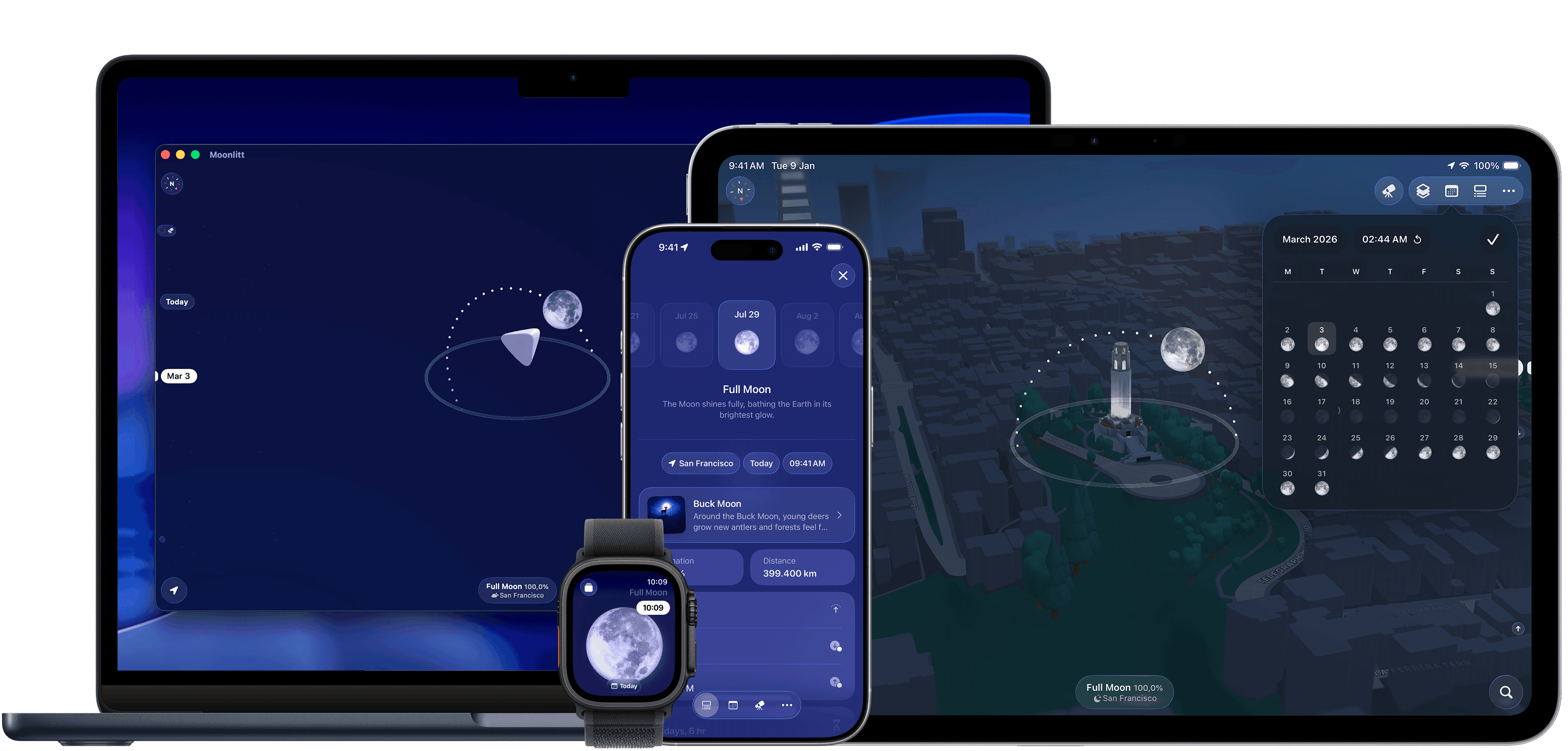
Whether you’re planning a night of astrophotography, following the lunar calendar, or simply wondering what tonight’s Moon looks like, Moonlitt gives you all the tools in one beautifully designed app.
How people use Moonlitt
Whether you’re planning a Moon photo, following the lunar cycle, observing the night sky, or preparing for an eclipse, Moonlitt gives you the right tools.
Follow the Moon
Track Moon phases, Moonrise, Moonset, Supermoons, Micromoons, and other lunar events throughout the year.
Plan Moon photography
Know exactly where and when the Moon will appear to plan perfect alignments with landscapes, buildings, and landmarks.
Follow the lunar cycle
Explore each Moon phase as part of your personal routines, traditions, and connection with the lunar calendar.
Track every eclipse
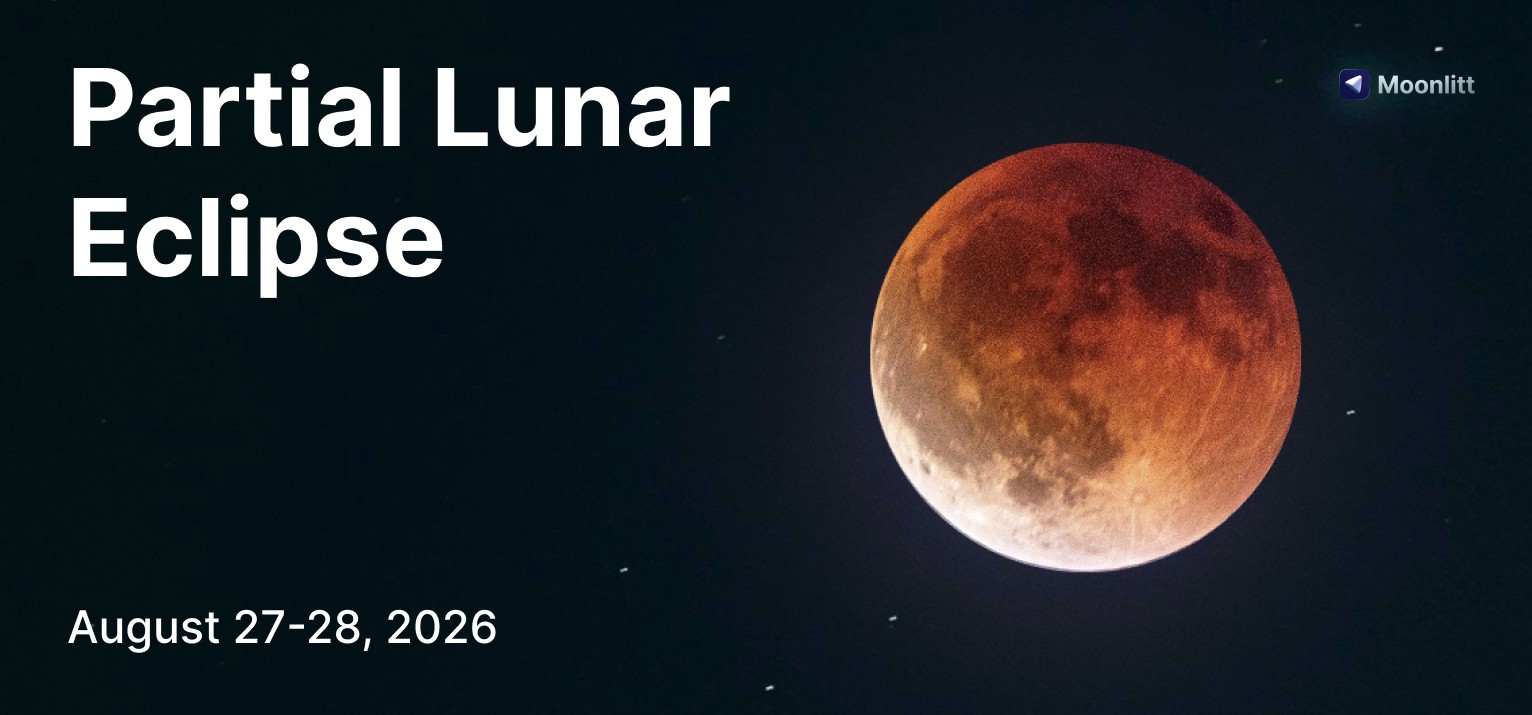
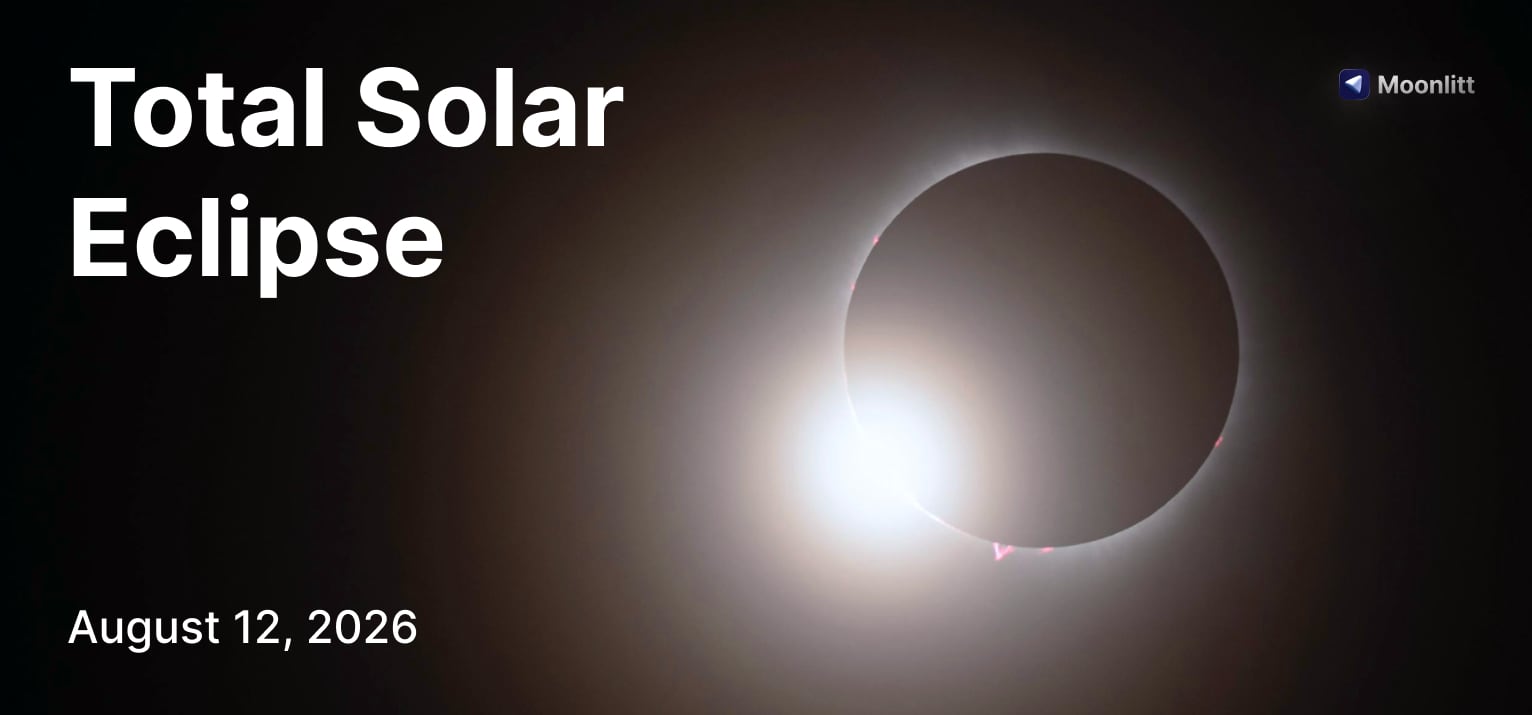
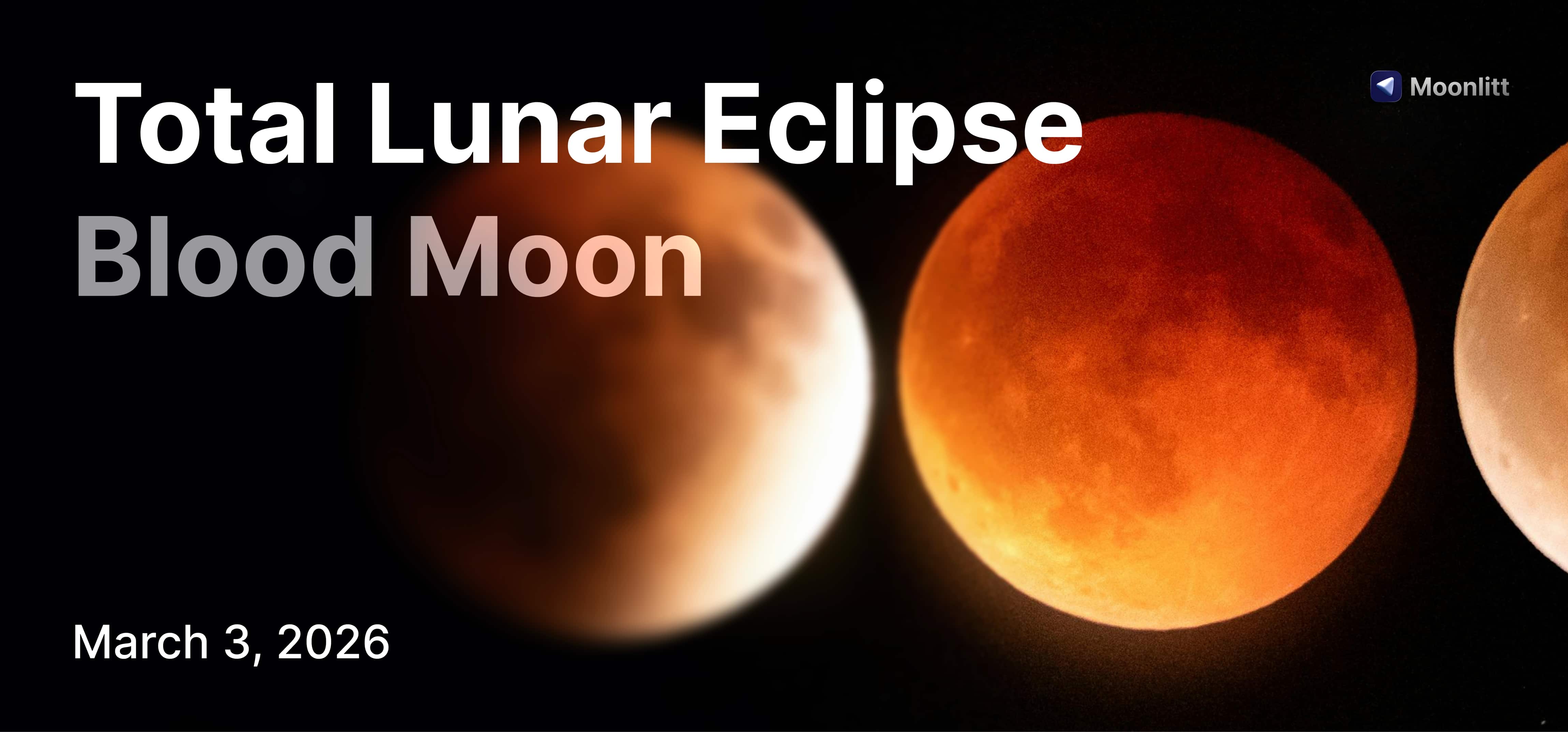
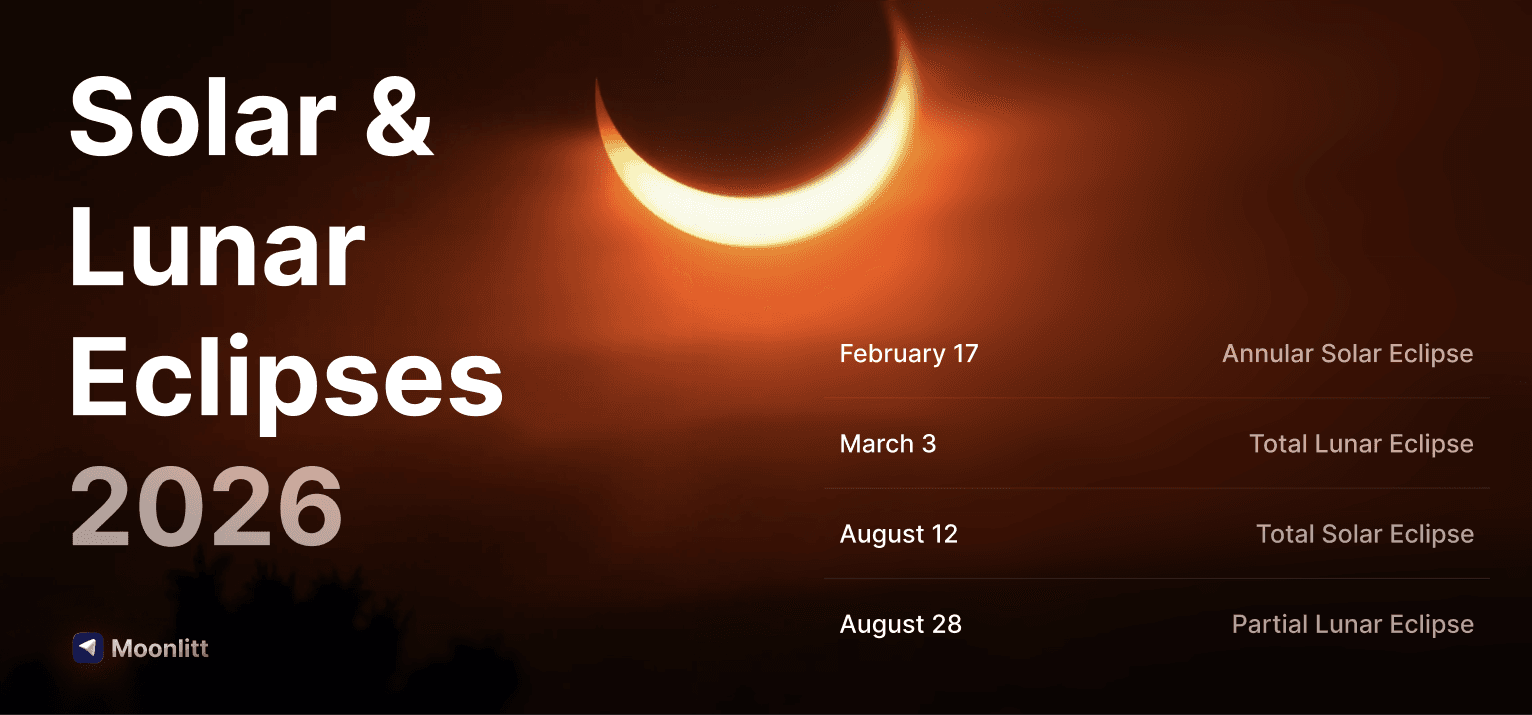
Plan Solar and Lunar Eclipses with local timings, visibility maps, weather forecasts, interactive previews, and Live Activities.

Moon Phases
Track today’s Moon phase, upcoming Full Moons, New Moons, First and Last Quarters, and every phase in between.
Moon Position
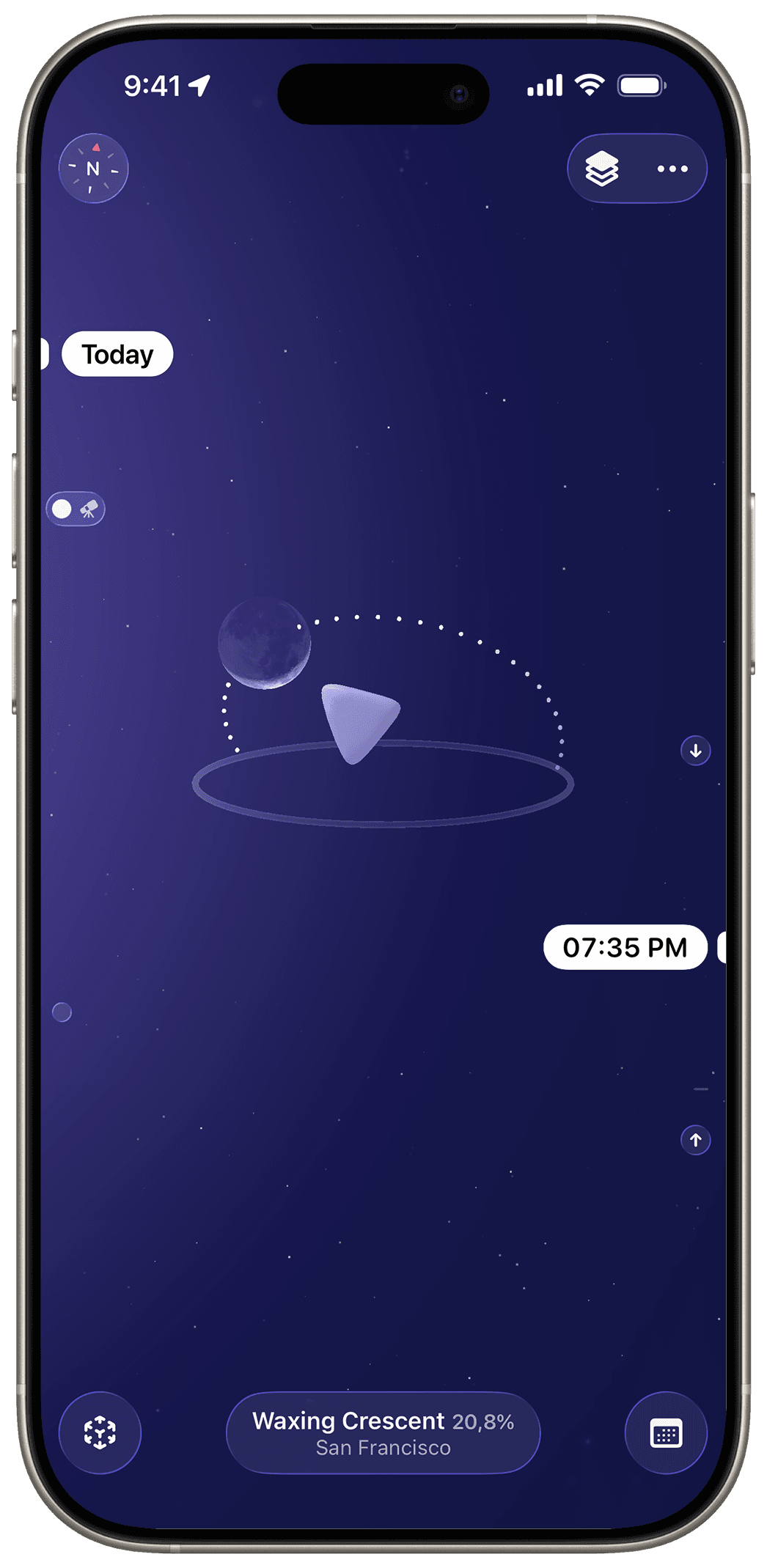
Find exactly where the Moon is in the sky using an interactive map and Augmented Reality.
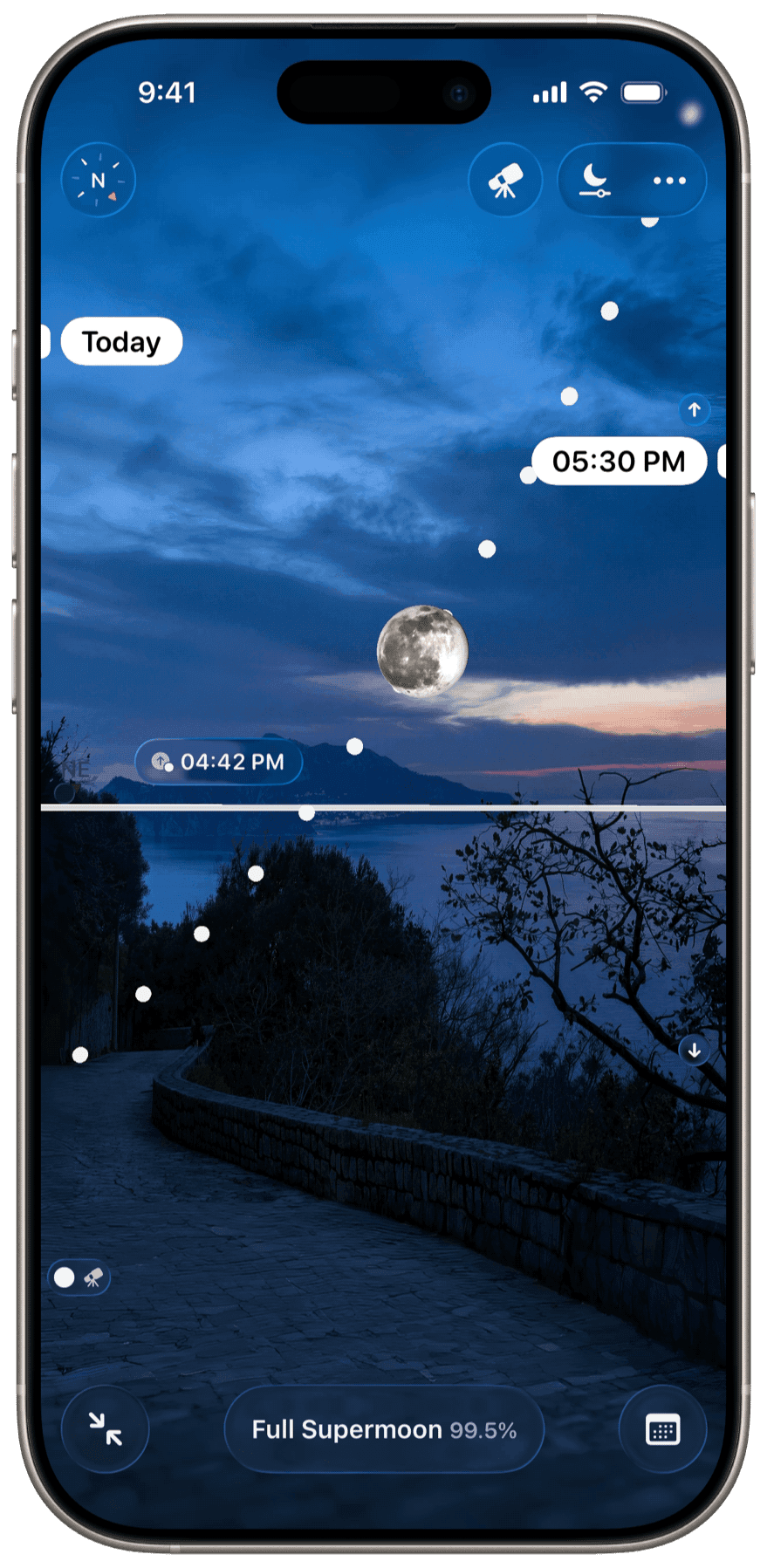
Moon Finder in AR
Point your device at the sky to instantly find the Moon in Augmented Reality. Follow its path and know exactly where to look before heading outside.
Lunar Calendar
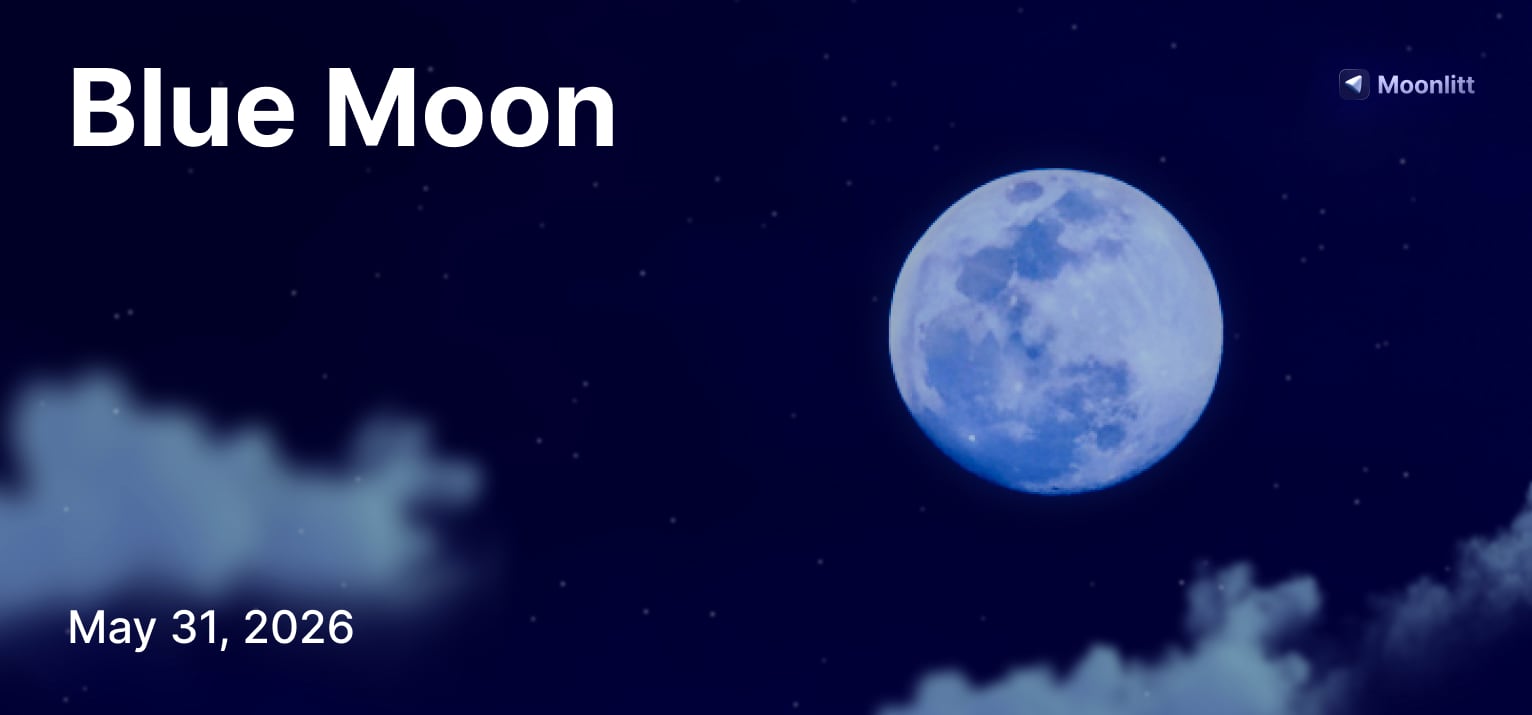
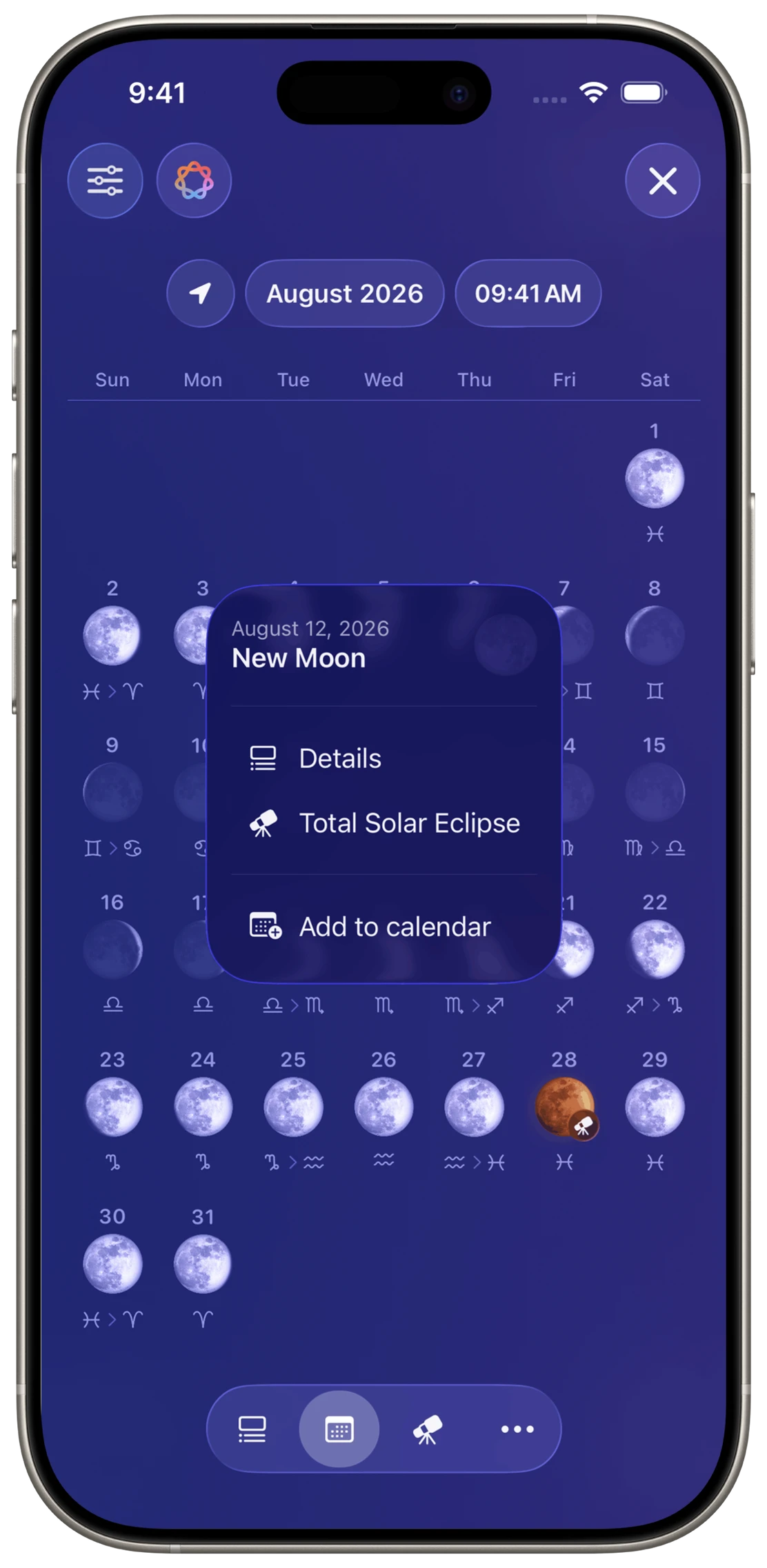
Browse every upcoming lunar event, including Moon phases, Moonrise and Moonset, eclipses, Supermoons, Micromoons, Blue Moons, and more.
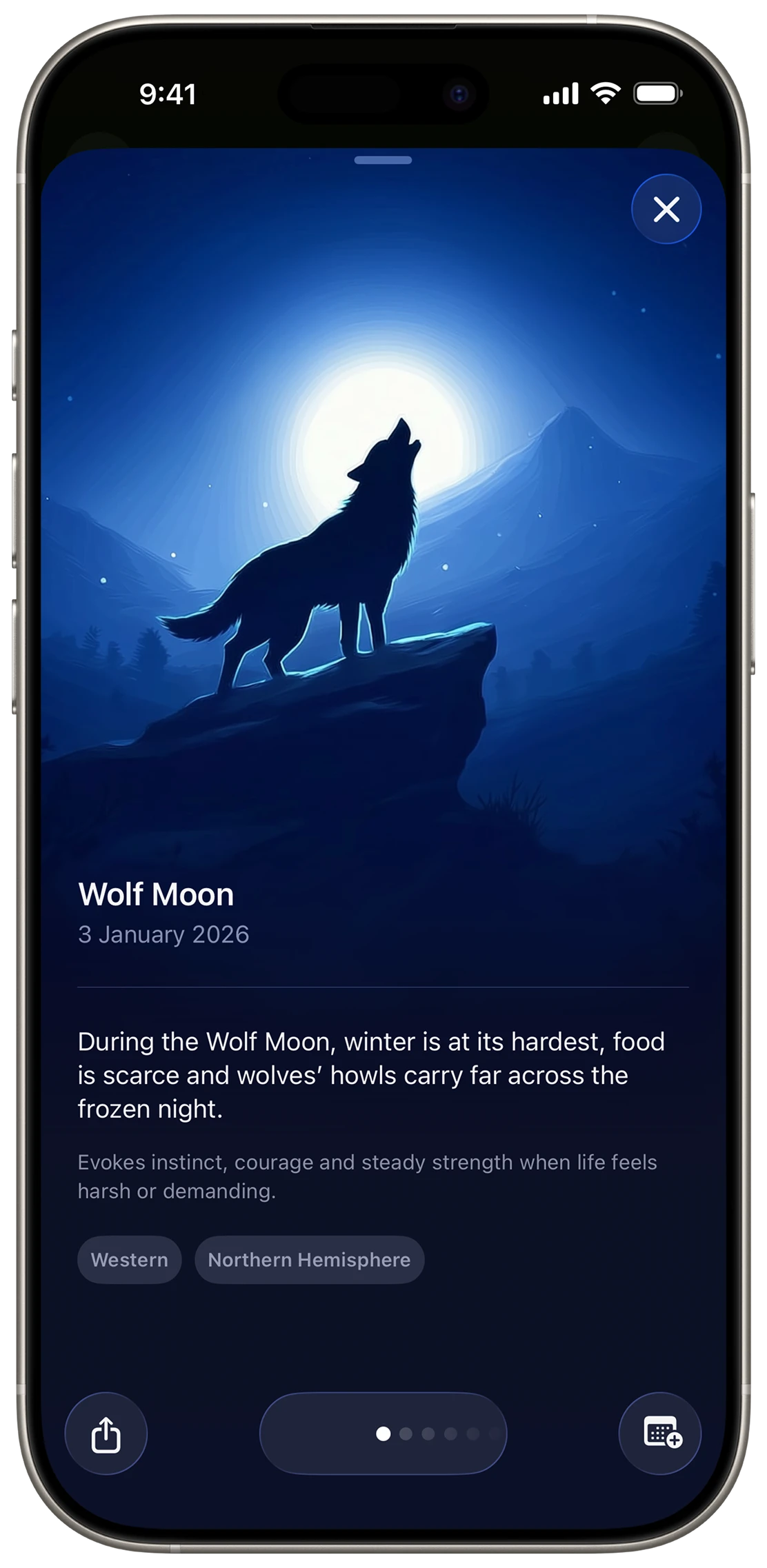
Moon Names & Traditions
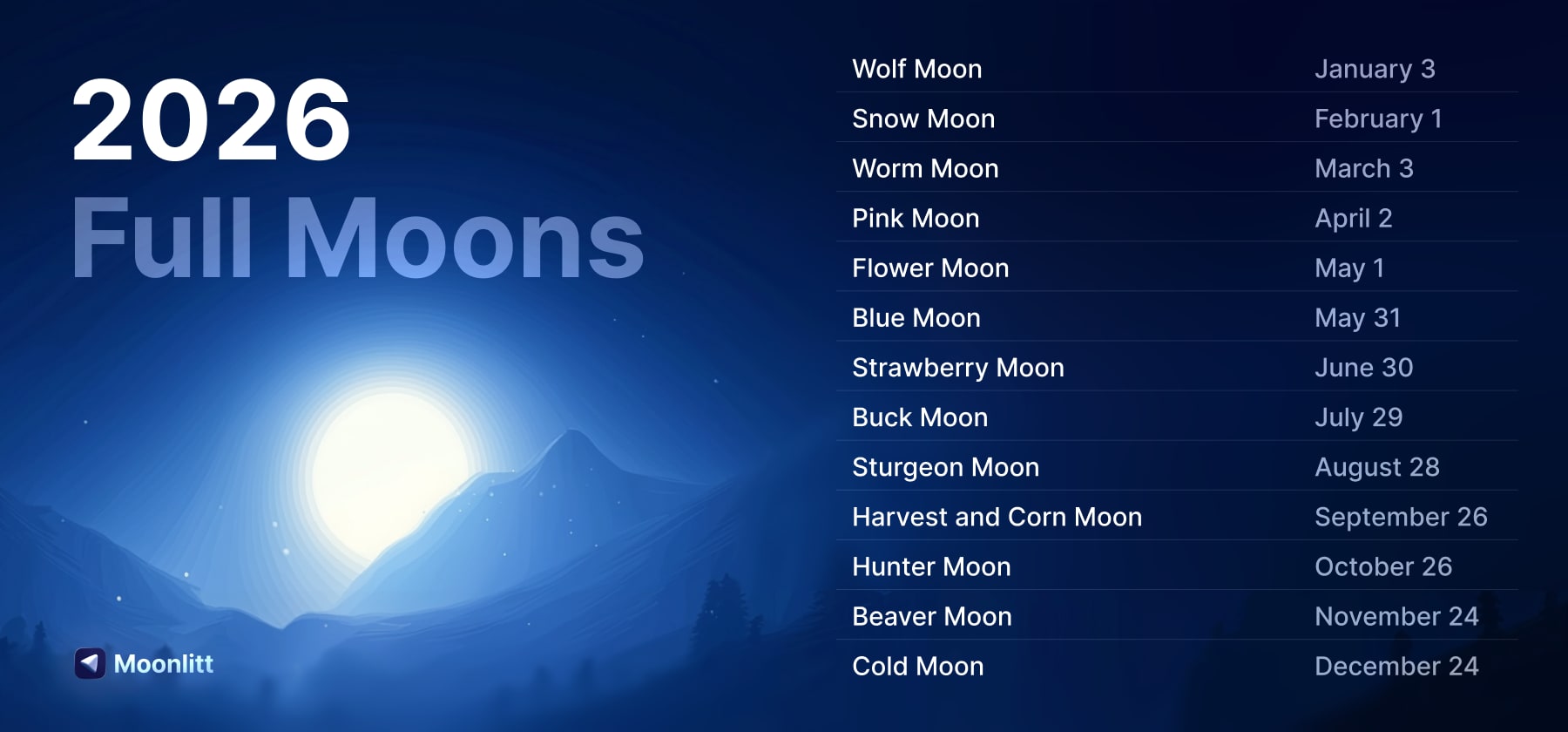
Discover the names, meanings, and traditions behind every Full Moon through stories and folklore from cultures around the world.
Widgets
Stay connected to the Moon with beautifully designed Home Screen, Lock Screen, Apple Watch, and StandBy widgets.


Apple Watch App
Discover the names, meanings, and traditions behind every Full Moon through stories and folklore from cultures around the world.
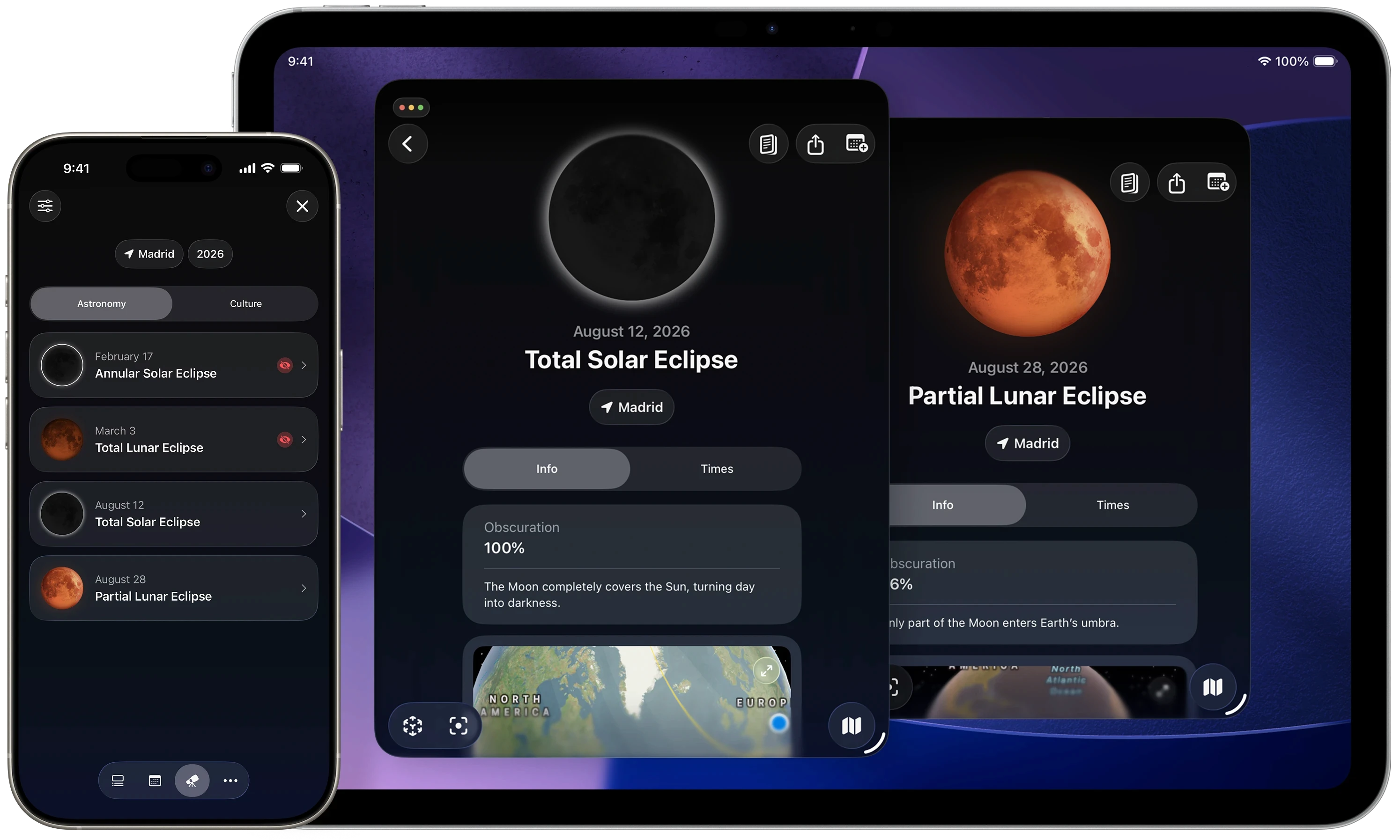
Follow Every Solar and Lunar Eclipse
Plan ahead for every eclipse with accurate local timings, visibility maps, interactive previews, Live Activities, weather forecasts, and Augmented Reality guidance.
Frequently Asked Questions
What is Moonlitt?
Moonlitt is an Apple Design Award–winning Moon tracker and lunar calendar app for iPhone, iPad, Mac, Apple Watch, and Apple Vision Pro. It helps you track Moon phases, find the Moon in the sky, explore the lunar calendar, learn about Full Moon names and traditions, and follow Solar and Lunar Eclipses with accurate local information.
Which Apple devices does Moonlitt support?
Moonlitt is available for iPhone, iPad, Mac, Apple Watch, and Apple Vision Pro. Your data stays synchronized across all supported Apple devices.
Is Moonlitt free?
Yes. Moonlitt is free to download and includes essential tools for tracking the Moon, exploring Moon phases, and viewing the lunar calendar. Moonlitt PRO unlocks advanced features, including eclipse planning tools, Live Activities, weather forecasts, and more.
Can Moonlitt show today’s Moon phase?
Yes. Moonlitt shows today’s Moon phase, the current lunar cycle, Moon illumination, Moon age, and upcoming Full Moons, New Moons, First Quarters, and Last Quarters. You can also browse the complete Moon phase calendar for any date.
Does Moonlitt include a lunar calendar?
Yes. Moonlitt includes a complete lunar calendar with Moon phases, Moonrise and Moonset times, Supermoons, Micromoons, Blue Moons, Full Moon names, eclipses, and other major lunar events throughout the year.
Can Moonlitt help me find the Moon in the sky?
Yes. Moonlitt shows the Moon’s current position, direction, altitude, azimuth, and path across the sky. You can see exactly where the Moon is now or preview where it will appear later from your location.
Can Moonlitt find the Moon in Augmented Reality?
Yes. Moonlitt’s Augmented Reality mode lets you point your iPhone toward the sky to locate the Moon instantly. It also previews the Moon’s path, making it easier to plan observations and photography.
Does Moonlitt show Moonrise and Moonset times?
Yes. Moonlitt calculates accurate Moonrise and Moonset times for your location, along with the Moon’s direction, altitude, and visibility throughout the day.
Can Moonlitt track Solar Eclipses?
Yes. Moonlitt helps you follow every Solar Eclipse with local contact times, visibility maps, eclipse previews, Augmented Reality guidance, weather forecasts, Live Activities, and a complete eclipse calendar.
Can Moonlitt track Lunar Eclipses and Blood Moons?
Yes. Moonlitt includes detailed tools for every Lunar Eclipse and Blood Moon, including local timings, visibility maps, eclipse previews, weather forecasts, Live Activities, and countdowns for each phase of the eclipse.
Does Moonlitt include Moon phase widgets?
Yes. Moonlitt includes beautifully designed widgets for iPhone, iPad, Mac, Apple Watch, and StandBy. Quickly check today’s Moon phase, upcoming lunar events, Moonrise and Moonset times, and other Moon information without opening the app.
What are Full Moon names and traditions?
Moonlitt lets you explore the names, meanings, and traditions behind every Full Moon. Discover the Wolf Moon, Snow Moon, Pink Moon, Strawberry Moon, Buck Moon, Harvest Moon, Hunter’s Moon, Sturgeon Moon, and many more, together with their cultural origins and folklore.
Is Moonlitt accessible?
Yes. Moonlitt supports VoiceOver, Dynamic Type, Increased Contrast, Differentiate Without Color, and other Apple accessibility features to make the app accessible to as many people as possible.