Track every Solar and Lunar Eclipse
Plan every eclipse with accurate local timings, worldwide visibility maps, interactive previews, Augmented Reality, Live Activities, weather forecasts, and more.
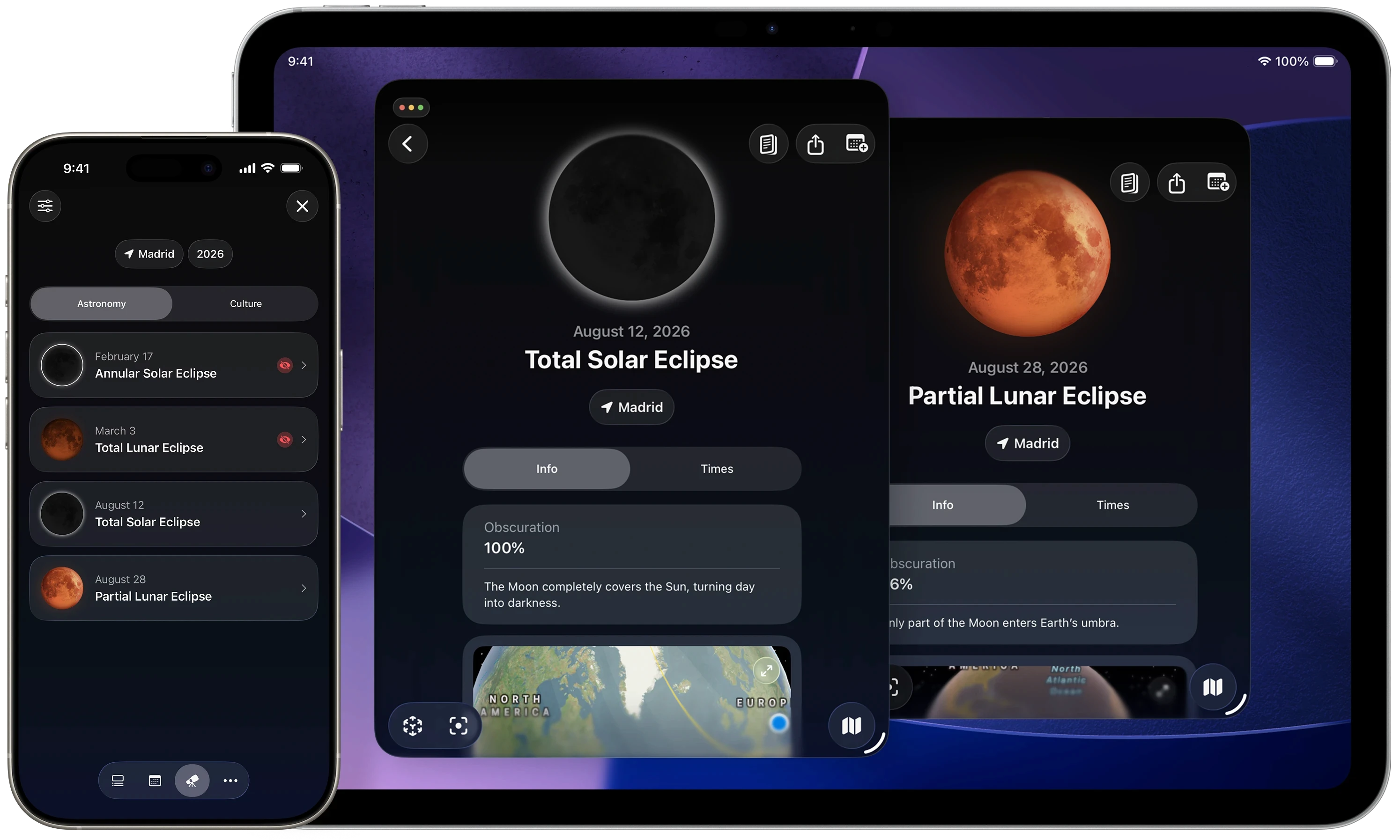

Everything you need to follow every eclipse:
Eclipse calendar
Visibility Map
Local Timings
Eclipse Preview
AR Guidance
Live Activities
Made for every eclipse viewer
Whether you’re planning a Moon photo, following the lunar cycle, observing the night sky, or preparing for an eclipse, Moonlitt gives you the right tools.
Plan eclipse photography
Predict eclipse timings, visibility, and the Sun or Moon’s position to prepare every shot before the event begins.
Travel for totality
Discover where totality or maximum eclipse will be visible, compare locations, and plan ahead with maps, local timings, and weather forecasts.
Watch with confidence
Follow every phase of the eclipse with accurate countdowns, local contact times, and Live Activities that keep you informed throughout the event.
Explore every eclipse
Browse centuries of Solar and Lunar Eclipses, compare events, and discover when and where the next eclipse will happen.

Complete Eclipse Calendar
Browse more than 200 years of past and future Solar and Lunar Eclipses. Explore every eclipse by date, type, location, and visibility.
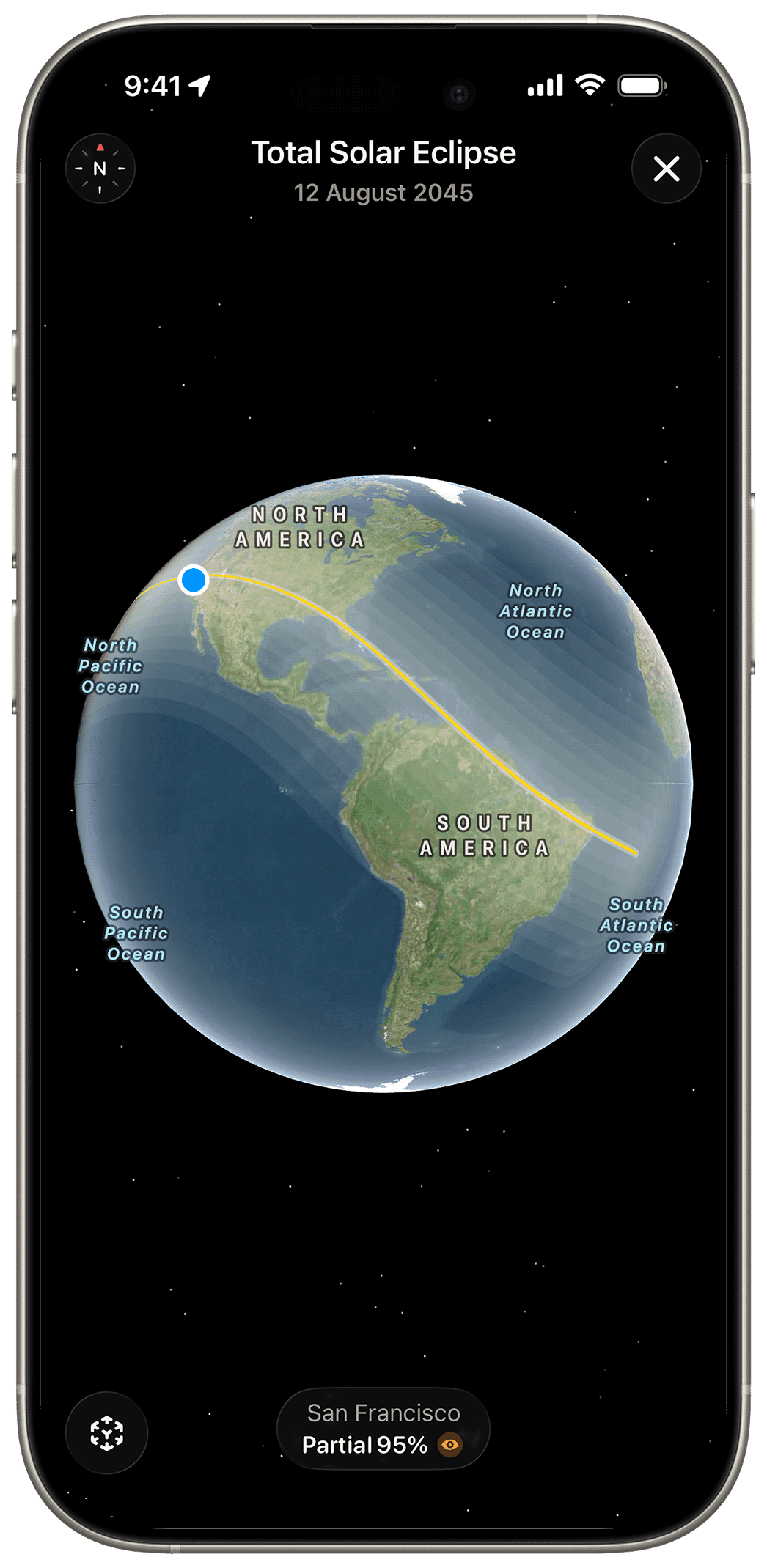
Eclipse Visibility Maps
See exactly where every Solar and Lunar Eclipse is visible with interactive maps and high-definition eclipse previews for any location.
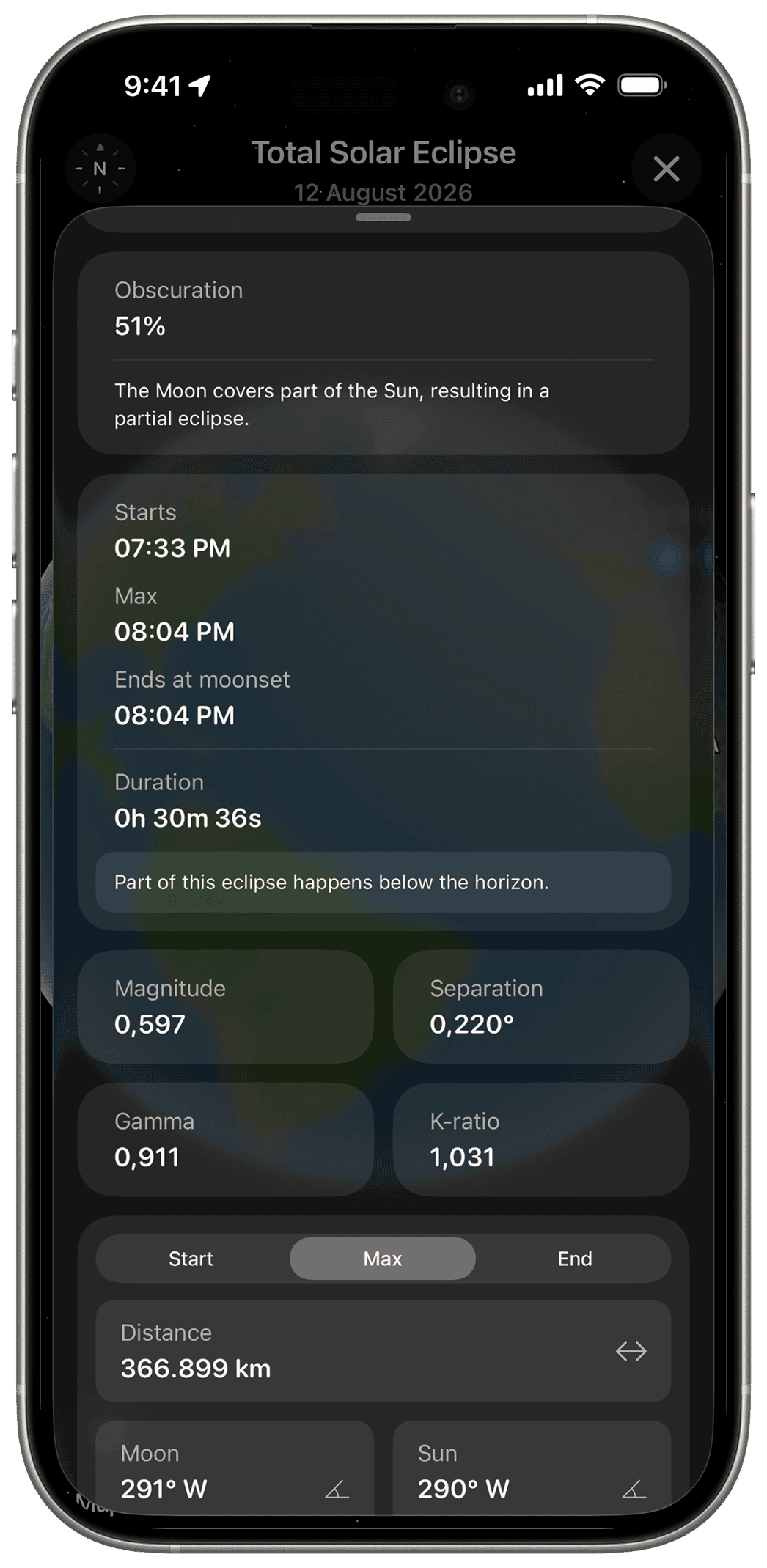
Local Timings & Details
Get precise local contact times, eclipse magnitude, obscuration, altitude, direction, and every important detail for your location.
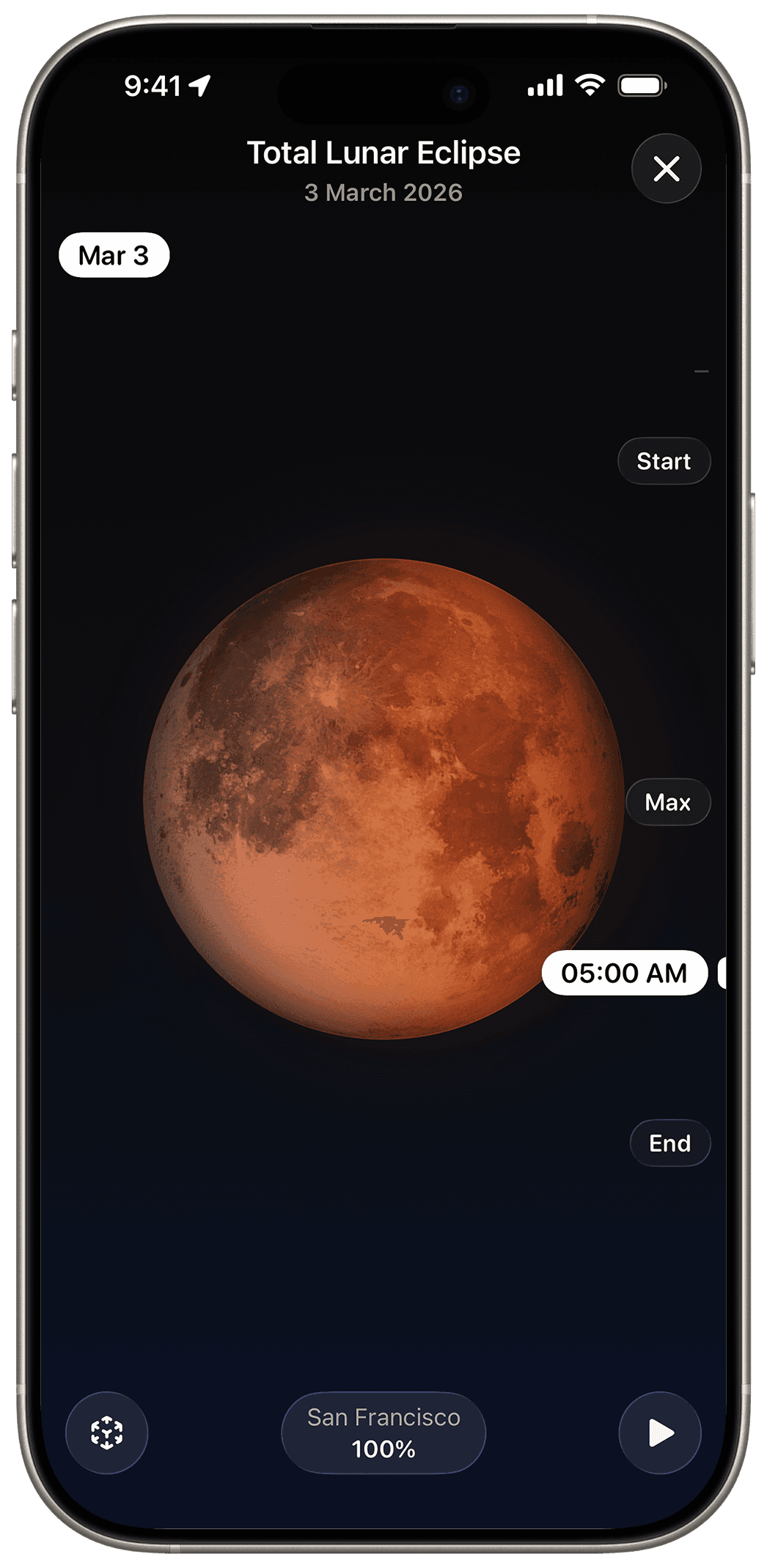
Eclipse preview
Play realistic animations to see how the eclipse evolves, from first contact to totality and back. Get an at-a-glance preview of what the Moon or Sun will look like in the sky.
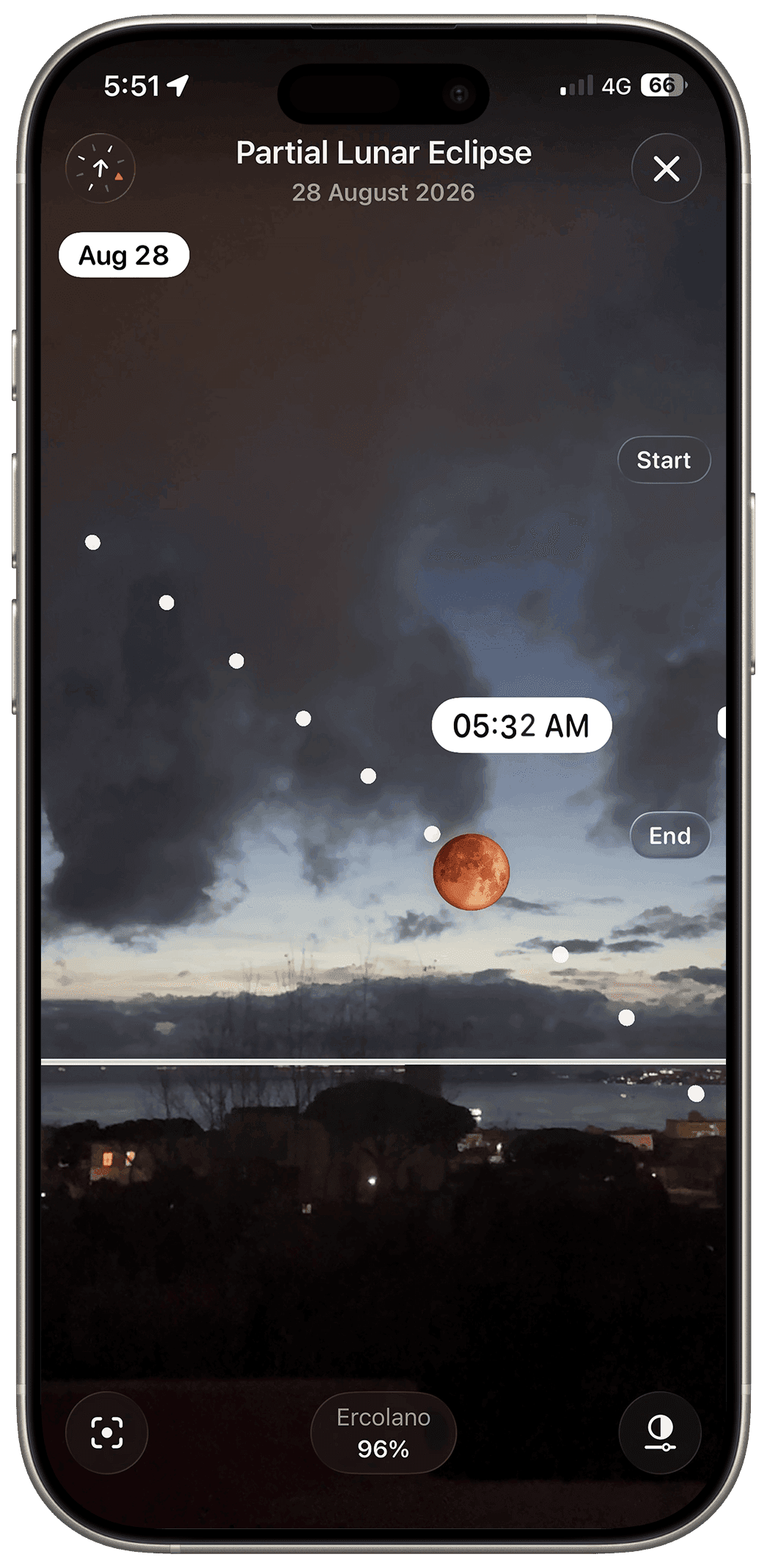
Augmented Reality
Know exactly where to look. Point your device at the sky to find the Sun or Moon and follow the eclipse in Augmented Reality.
Live Activities
Follow every eclipse from your Lock Screen and Dynamic Island with real-time countdowns and updates for every phase.

More than an eclipse app
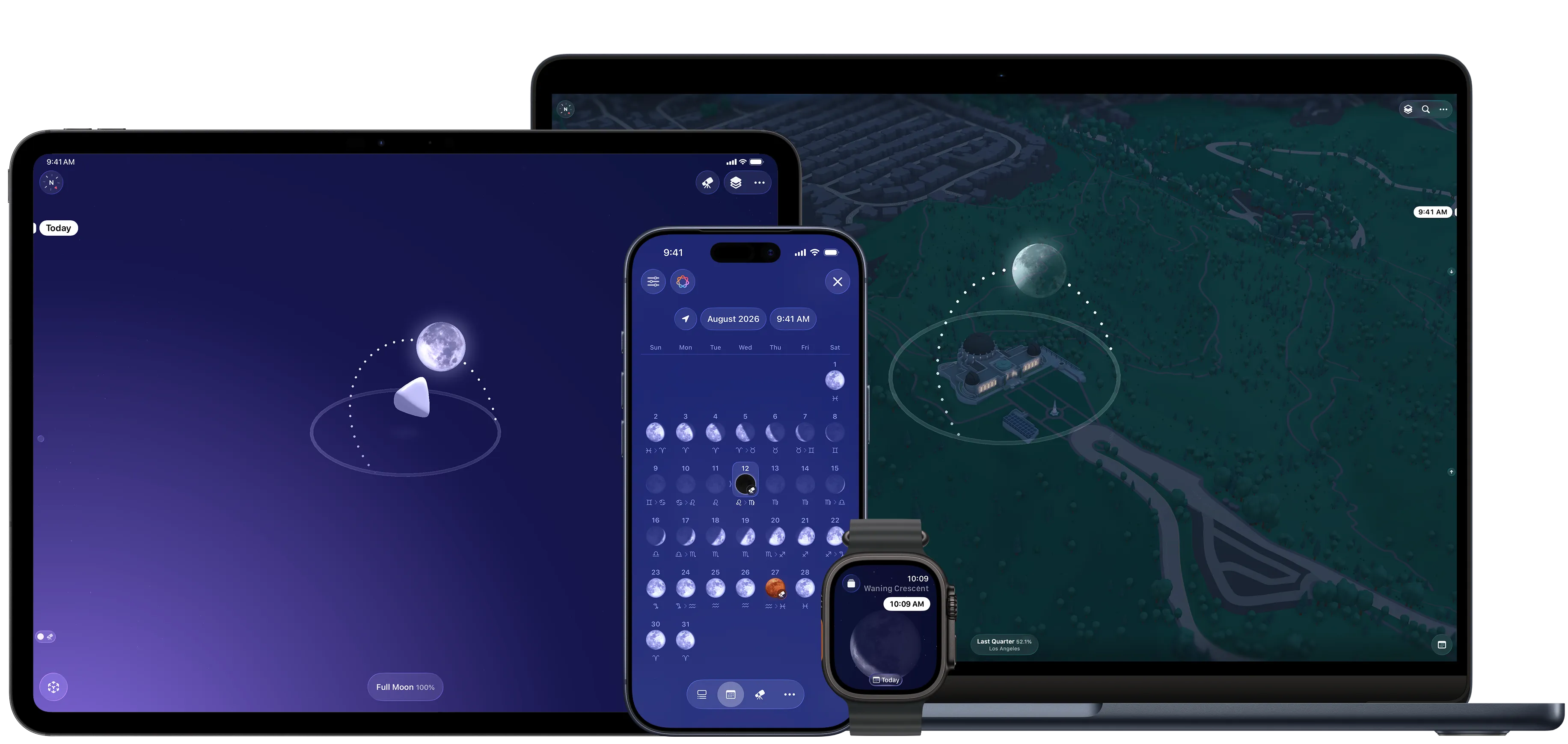
Moonlitt also helps you track Moon phases, find the Moon in Augmented Reality, explore the lunar calendar, discover Full Moon names and traditions, and much more.
Frequently Asked Questions
Can Moonlitt track Solar Eclipses?
Yes. Moonlitt helps you follow every Solar Eclipse with local contact times, visibility maps, interactive previews, Augmented Reality guidance, Live Activities, weather forecasts, and detailed eclipse information.
Can Moonlitt track lunar eclipses and Blood Moons?
Yes. Moonlitt provides local timings, visibility maps, interactive previews, countdowns, weather forecasts, Live Activities, and detailed information for every phase of a lunar eclipse, including total lunar eclipses commonly known as Blood Moons.
Can I check whether an eclipse is visible from my location?
Yes. Moonlitt shows whether a solar or lunar eclipse is visible from your location, which phases you can observe, and the precise local time of each phase.
Does Moonlitt include eclipse visibility maps?
Yes. Moonlitt includes interactive visibility maps showing where each solar and lunar eclipse can be observed around the world. You can explore different locations and preview how the eclipse will appear from each one.
Can I preview an eclipse before it happens?
Yes. Moonlitt lets you preview how a solar or lunar eclipse will progress from your selected location, including its visible phases and maximum appearance.
Does Moonlitt show local eclipse times?
Yes. Moonlitt provides contact times precise to the second for your location, including the beginning, maximum, total or annular phase when applicable, and end of the eclipse.
Does Moonlitt include weather forecasts for eclipses?
Yes. Moonlitt shows local weather forecasts for each eclipse phase, helping you assess viewing conditions and plan ahead.
Does Moonlitt include eclipse Live Activities?
Yes. Moonlitt’s Live Activities bring eclipse countdowns, timings, and phase updates to your Lock Screen and Dynamic Island throughout the event.
How many eclipses are included in Moonlitt?
Moonlitt includes more than 200 years of past and future solar and lunar eclipses, including total lunar eclipses, or Blood Moons. You can browse the complete eclipse calendar and open any event for local visibility, timings, previews, and additional details.
Is Moonlitt free?
Yes. Moonlitt is free to download and includes essential eclipse information. Moonlitt PRO unlocks advanced features such as Augmented Reality, Live Activities, weather forecasts, and additional eclipse-planning tools.